Compare drum life estimates from Brother, Lexmark and Xerox with their stated conditions, then use model messages and fleet records to plan replacement.
Drum unit lifespan depends on the exact component and its operating conditions, so a brand name alone cannot tell you when to replace it. Use the manufacturer's estimate to plan supplies, then follow the exact model's messages, replacement instructions and documented service findings. For service providers and fleet buyers, the useful comparison is the stated life together with its assumptions and the actual reason a unit leaves service.
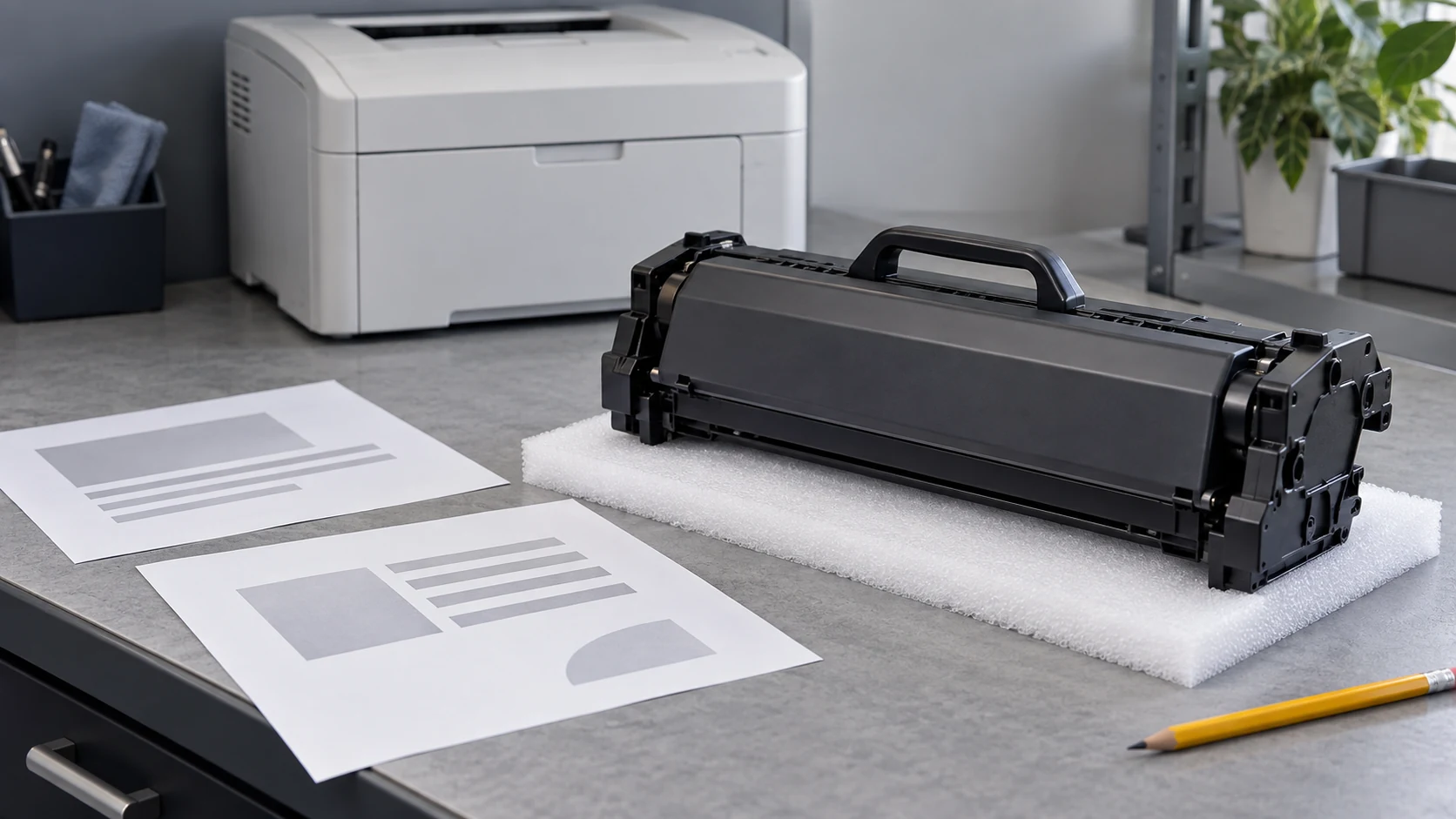
Cover image: Representative maintenance-review scene with a protected drum assembly and illustrative output sheets. Base replacement decisions on the exact machine guidance and recorded evidence.
Identify what the life estimate covers
Record the full machine model, destination market and OEM reference before comparing page counts. A separate drum unit, an imaging assembly and a cartridge containing a drum may have different replacement scopes even when their listings use similar names. Keep the unit's declared life separate from toner yield, the printer's recommended monthly volume and its maximum duty cycle.
Read brand examples with their conditions
These current US manufacturer listings describe original supplies for specific references or machines; they are not a brand ranking or a life claim for an HBtoner compatible unit.
On narrow screens, swipe horizontally to compare all columns.
| Original supply or model | Manufacturer estimate | Stated basis and limits |
|---|---|---|
| Brother DR820 drum unit | Approximately 30,000 pages at one page per job; approximately 50,000 at three pages per job. | Letter/A4 simplex pages; media type, size and other factors can affect the result. |
| Lexmark MS821dn imaging unit | Up to 150,000 pages. | For this model: an average of three Letter/A4 pages per job at approximately 5% coverage; actual use affects life. |
| Xerox 108R01121 drum cartridge for VersaLink C400/C405 | Approximately 60,000 pages. | An average of three A4/Letter pages per job; job length, media type, size, weight, orientation and usage patterns affect life. |
Lexmark also identifies print speed, paper size and feed orientation, coverage, source tray, the share of black-only printing and job complexity as factors in actual imaging-unit yield. The ISO/IEC 19752 toner-yield statement on that printer page does not define the imaging unit's life test.
Record how the machine is used
Brother's two DR820 estimates show why monthly volume alone is insufficient: the stated pages per job change while the reference stays the same. Do not apply their ratio to another drum or extrapolate a new life figure for a different job length. For a useful usage record, keep the reporting period, total counted pages, print-job count, paper sizes, duplex setting and media mix together. Confirm how the machine counts pages or impressions before comparing its readings with another model or a supply estimate.

Choose the next action from the evidence
Read the full message and the instructions for that exact machine before deciding whether to prepare a spare, investigate a defect or replace the unit.
On narrow screens, swipe horizontally to compare all columns.
| Evidence | Useful next action | Boundary |
|---|---|---|
| Advance life warning | Identify the correct spare and follow the model-specific warning guidance. | On Brother HL-L6200DW, Drum End Soon allows continued printing while a new drum is prepared; this is not a rule for every machine. |
| Replacement or stop instruction | Follow the specified replacement or service instruction. | The cited Brother guidance calls for replacement at Replace Drum or when print quality is no longer acceptable; do not infer a remaining-page allowance. |
| Damage or unresolved quality problem | Preserve sample pages and have the permitted model-specific checks completed by the appropriate operator or service provider. | A line, spot or pale page alone does not identify the failed part; suspected damage warrants service review rather than repeated trial prints. |
| Message remains after replacement | Check the actual installed reference and the exact model’s approved installation and acknowledgment instructions. | On Brother HL-L6200DW, reset only as instructed when installing a new drum; a reset does not restore a worn surface. |
Where the approved diagnostic procedure permits substitution, use a correctly specified reference unit with a documented satisfactory result and record what changed. An improved page is evidence for that tested configuration, not by itself proof of the original fault, a batch defect or the condition of every other component.
Plan stock from comparable fleet records
Group records by the same machine configuration and drum reference, then distinguish scheduled replacements from removals for damage, quality complaints or an unresolved fault. A practical replacement record should include:
- Machine and unit references, installation date and counter, with the counter's unit of measurement.
- Removal date and counter, the complete message, sample-page reference and reason for removal.
- Job length and media history where available, plus any approved maintenance or configuration change.
- Units still in service at the reporting date, recorded separately from completed replacement histories.
A median calculated only from removed units describes those removals, not the eventual life of every unit still operating. For replenishment, combine comparable service history with installed quantities, confirmed supply lead time and the cost of being without a spare; do not turn an OEM estimate into an automatic replacement schedule. For a compatible-supply comparison, agree the machine, job pattern, acceptance criteria and evidence required before making any life or warranty claim.
Protect the unit and preserve the replacement record
Keep a spare in its protective packaging until needed and follow the exact product's storage and handling instructions. The Lexmark MS821 family guide warns against touching the photoconductor surface or extended exposure to direct light; do not uncover a drum just to photograph it. After an authorized replacement, retain the installed reference, lot identification, counter reading and required acknowledgment record so the next service visit starts with reliable information.
Frequently asked questions
How many pages does a printer drum last?
There is no brand-wide number; use the exact reference estimate and retain its job-length, page-size and other stated conditions.
Can I keep printing after Drum End Soon?
Brother HL-L6200DW guidance allows printing while preparing a new drum, with replacement when quality is no longer acceptable or Replace Drum appears; check your own model rather than assuming the same allowance.
Does changing toner renew drum life?
Replacing toner does not replace a separate drum; if a cartridge includes the drum, confirm the actual assembly being changed and follow that model’s instructions.
Does an early quality problem prove premature drum failure?
No; preserve the samples, operating conditions and service findings, because a lower-than-estimated count or a defect image alone does not establish the cause.
Can OEM life figures be used as a compatible drum guarantee?
No; the stated OEM estimates describe the original supplies and their conditions, while a compatible offer needs its own agreed specification, comparison evidence and warranty terms.
Discuss drum supply and replacement planning with HBtoner
For a B2B compatibility or supply review, send the OEM reference, full model and suffix, destination country, quantity and preferred product condition. Add the current message, counter units and available job history, and share label or sample photos during follow-up. HBtoner coordinates the appropriate source and specification through a manufacturing network for the product and destination; life claims and acceptance terms should be confirmed for the actual project.
Send your drum reference and fleet requirements to HBtoner.
Manufacturer names are used for identification and reference; HBtoner is independent of, and not affiliated with or endorsed by, those manufacturers.