Separate waste collection from toner supply, check TK references by market, and gather the right evidence before replacing or ordering Kyocera consumables.
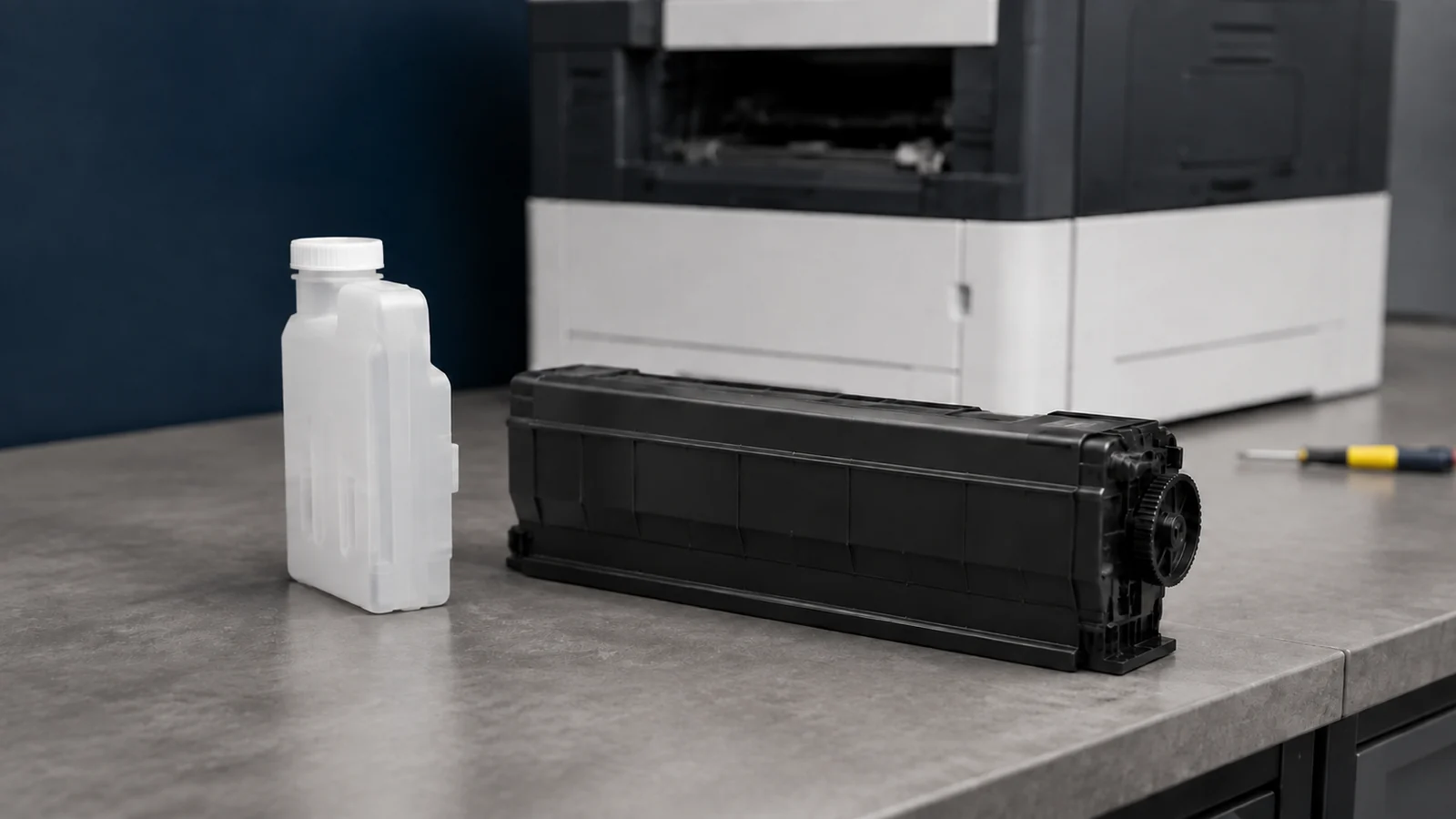
A Kyocera waste toner box collects residual toner; a TK reference identifies a toner supply product for specified equipment. They do different jobs, even when a toner kit includes both containers. Before ordering, match the complete machine model, destination market, printed reference and package contents. A similar TK number or a container that appears to fit is not enough to establish compatibility.
Cover image: Representative toner-supply and waste-collection parts. Appearance alone does not confirm compatibility with a particular Kyocera model.
Separate the waste box from the toner supply
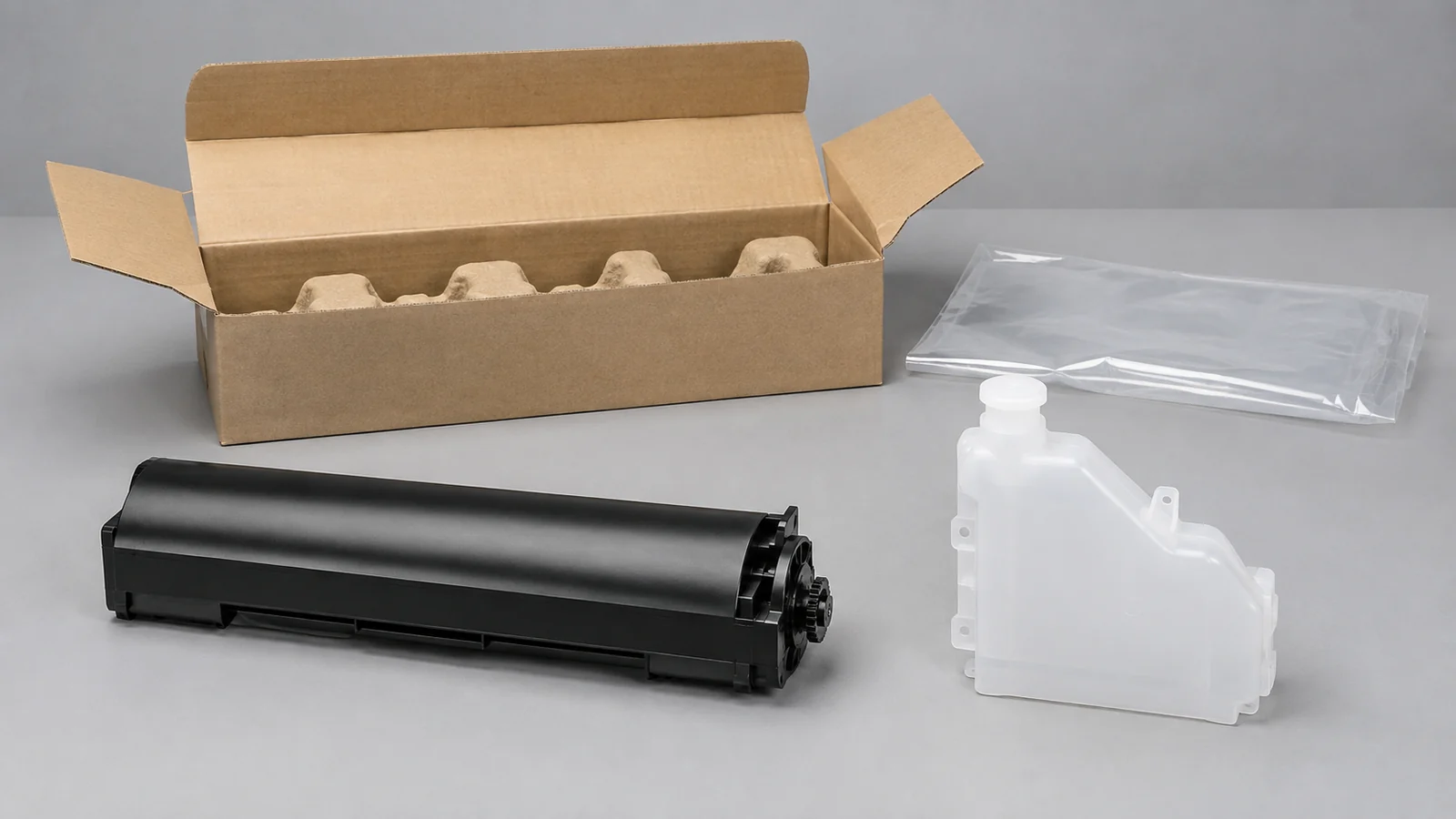
Kyocera often calls its toner supply a toner container or toner kit. Keep that description separate from the waste receptacle and from imaging or maintenance assemblies.
On narrow screens, swipe horizontally to compare all columns.
| Item | What it does | What to verify |
|---|---|---|
| TK toner product | Supplies toner for printing | Exact reference, model, market, color and stated yield |
| Waste toner box or bottle | Receives residual toner | Its own part reference and the model’s replacement instructions |
| Drum or maintenance assembly | Performs a separate imaging or maintenance function | Named assembly and model-specific service requirements |
For example, Kyocera lists TK-3162 as black toner and WT-8500 as a waste toner receptacle. These names illustrate separate catalog categories; they do not mean the two products belong to the same machine.
See Kyocera’s TK-3162 toner listing.
See Kyocera’s WT-8500 waste-container listing.
For the wider collection system, read our waste toner box guide.
Read TK numbers through the official model and market table
Use the full TK reference as a lookup key, rather than trying to calculate compatibility or yield from its digits. The ECOSYS P7035cdn manual provides a clear example of regional references for one named printer.
On narrow screens, swipe horizontally to compare all columns.
| Color | Europe | U.S.A. | Australia and Asia |
|---|---|---|---|
| Black | TK-570K | TK-572K | TK-574K |
| Cyan | TK-570C | TK-572C | TK-574C |
| Magenta | TK-570M | TK-572M | TK-574M |
| Yellow | TK-570Y | TK-572Y | TK-574Y |
This is a model-specific table, not a rule for decoding every TK suffix. The manual publishes yield separately, with its test conditions. It does not use the TK digits as a page-count formula.
Check the regional reference table in the P7035cdn manual, section 5-2.
For a purchasing check, record the country where the machine operates, not just the country where the supplier ships from. Also confirm the complete ECOSYS or TASKalfa model and suffix, the color position, and any applicable recognition configuration. Keep the reference exactly as printed on the part or carton.
Check what the toner kit actually includes
The P3045dn, P3050dn, P3055dn and P3060dn guide lists a toner container, waste toner box, plastic waste bags and installation guide in the toner kit. It also warns that a toner container intended for another destination can stop printing on these models. That documented example does not establish the contents of every Kyocera kit or every independently supplied compatible package.
Ask the seller to identify the waste box and accessories explicitly on the quotation. If a waste box is ordered separately, keep it on its own line so its quantity and reference remain visible.
Review kit contents and regional cautions in the P3060dn family guide, section 7-2.
Select your destination country and request a configuration review. Send HBtoner the complete model, printed TK or waste-box reference, quantity and label photos before quotation.
Respond to a full waste toner box message
Photograph the complete display message before removing anything. A low-toner message concerns the supply side; a waste-box message needs the waste-box instructions for that machine. Use the exact Operation Guide for cover access, power state, removal direction and any required cleaning.
- Confirm the replacement part and prepare the closure, bag and packaging specified in the guide.
- Support and remove the used container in the illustrated direction without forcing nearby components.
- Close the designated opening and contain the used part as instructed.
- Install and secure the new part, close the specified covers and complete the documented checks.
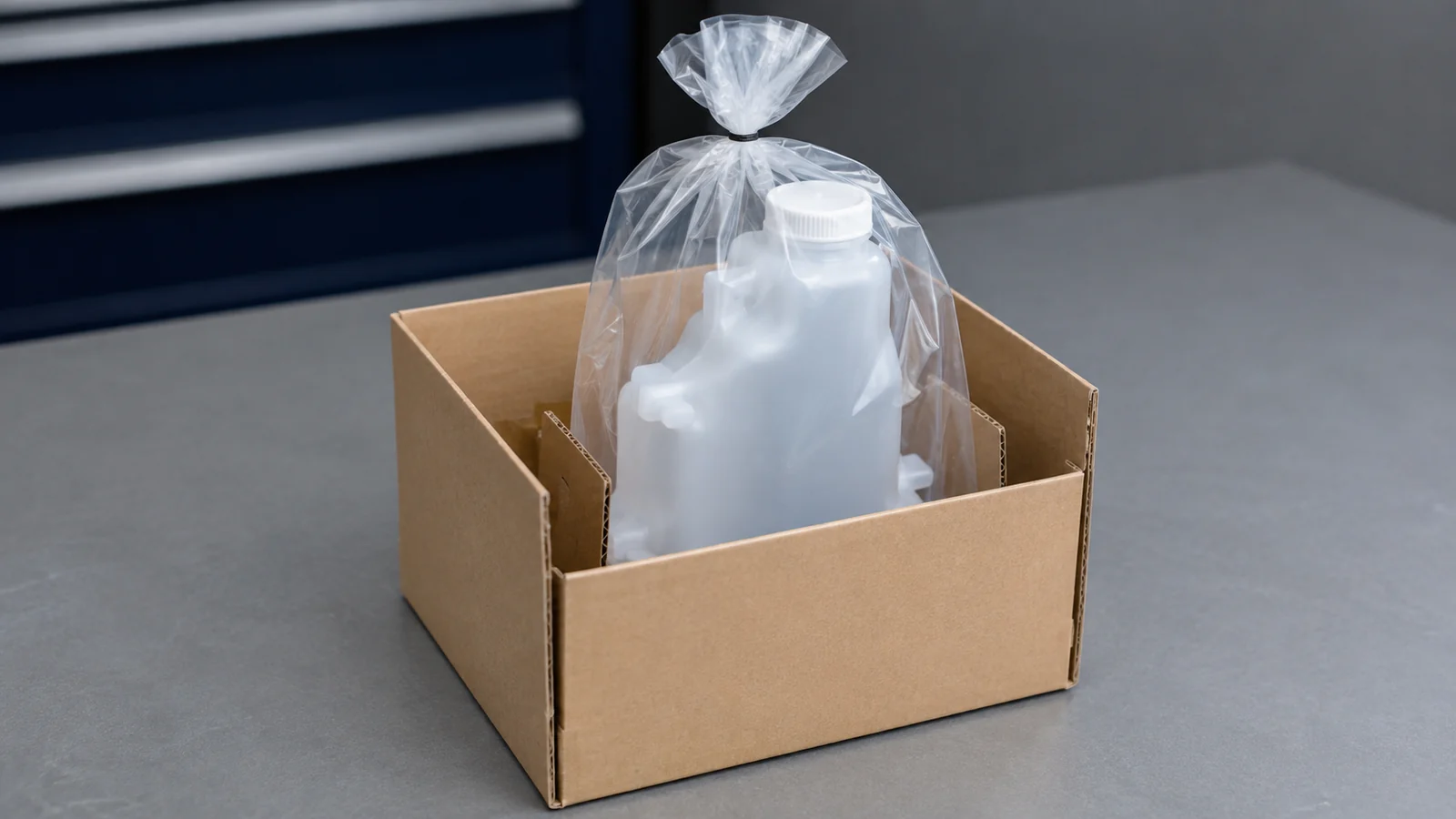
For the P3060dn family, the guide specifically says to keep the old box’s opening from facing down, close its cap and place it in the supplied bag. Follow local collection requirements and keep toner-containing parts away from fire. Do not empty the collected toner into a fresh toner container or treat a reset as a replacement.
Read the illustrated waste-box procedure in the P3060dn family guide, sections 7-7 to 7-9.
If the warning remains, check the installation evidence
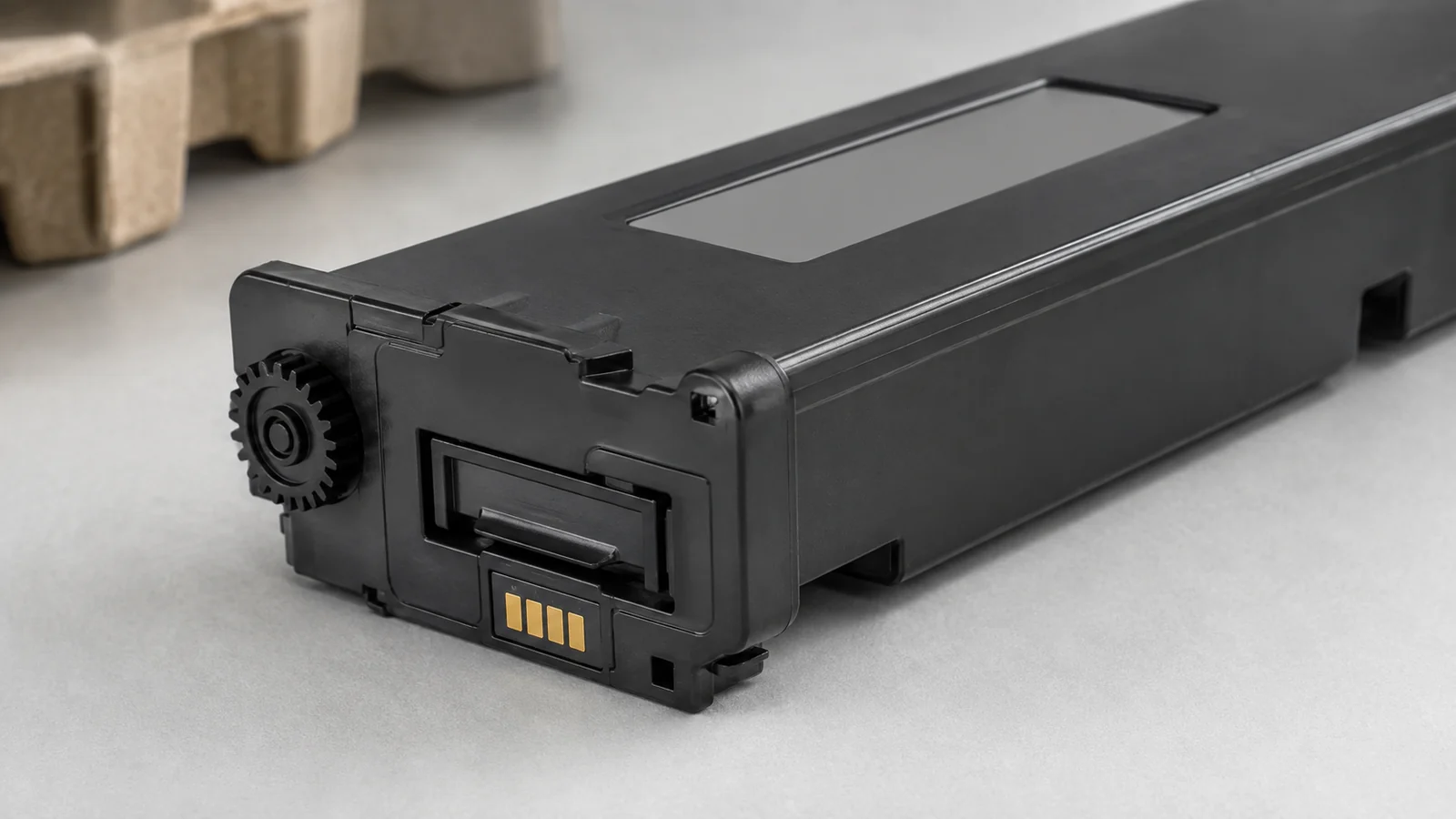
Recheck the supplied reference, documented transport protection, seating, locks and cover closure against the same model’s instructions. Do not assume that every waste box has a chip, a reset counter or the same detection method. If the message persists, give service personnel the exact wording, part labels and installation history.
Stop using the machine if toner is escaping or an abnormal mechanical noise accompanies the warning. A technician can investigate the collection path or detection system; the message alone does not identify the failed component. Avoid sensor bypasses, improvised cleaning and service codes copied from a different model.
Use Kyocera’s model-specific Operation Guide lookup guidance.
Build a quotation that separates identity, tests and delivery
On narrow screens, swipe horizontally to compare all columns.
| RFQ field | Information to provide or request |
|---|---|
| Product identity | TK reference or waste-box reference; full model and suffix; destination; color; package contents |
| Toner validation | Applicable device and recognition configuration; print checks; stated yield and test conditions |
| Waste-box validation | Model-specific fit, inlet and closure, containment, detection interface where present, and packaging |
| Commercial terms | Quantity, replenishment timing, packing requirements, lead time and freight basis for this inquiry |
Keep label and all-side photos with the approved specification, and identify the sample or lot used for validation. A toner yield, waste-container capacity and maintenance interval describe different measures. Ask for their conditions separately instead of copying one page rating across the quotation. Review a changed reference, market or recognition configuration before releasing repeat orders.
Read our OEM and compatible toner buying guide for supplier qualification.
Frequently asked questions
Does every TK kit contain a waste toner box?
Do not assume so; confirm the exact kit, market and seller’s packing list.
Can a TK number identify the correct waste box?
A TK reference can help locate the relevant documentation, but the waste receptacle still needs its own confirmed identity.
Are similar TK numbers interchangeable?
Similarity is not approval; check the exact model and market mapping and any applicable recognition requirements.
Can I empty the waste box and reuse it?
The cited P3060dn family procedure directs replacement and bagging of the used box, so emptying is not its prescribed substitute.
Is there a universal full-message reset?
Use the exact replacement and troubleshooting instructions; a persistent warning needs investigation without bypassing detection.
Request a Kyocera configuration review
Send HBtoner the destination country, complete ECOSYS or TASKalfa model, printed OEM reference and required quantity. Include the exact warning if relevant, clear label photos, required timing and packaging preferences. Ask for confirmation of the proposed configuration and kit contents before accepting the quotation.
Start a configuration inquiry with HBtoner.
Brand and product names identify compatibility only. HBtoner is an independent supplier and is not affiliated with or endorsed by Kyocera.
Official references
- Kyocera ECOSYS P3045dn, P3050dn, P3055dn and P3060dn Operation Guide
- Kyocera ECOSYS P7035cdn Operation Guide
- Kyocera WT-8500 official consumable page
- Kyocera TK-3162 official consumable page
- Kyocera toner troubleshooting: choose the exact model Operation Guide
- Kyocera collection and recycling of used toner containers