A practical Ricoh guide to full and installation messages, correct bottle identification, safe replacement, and checks when a warning remains.
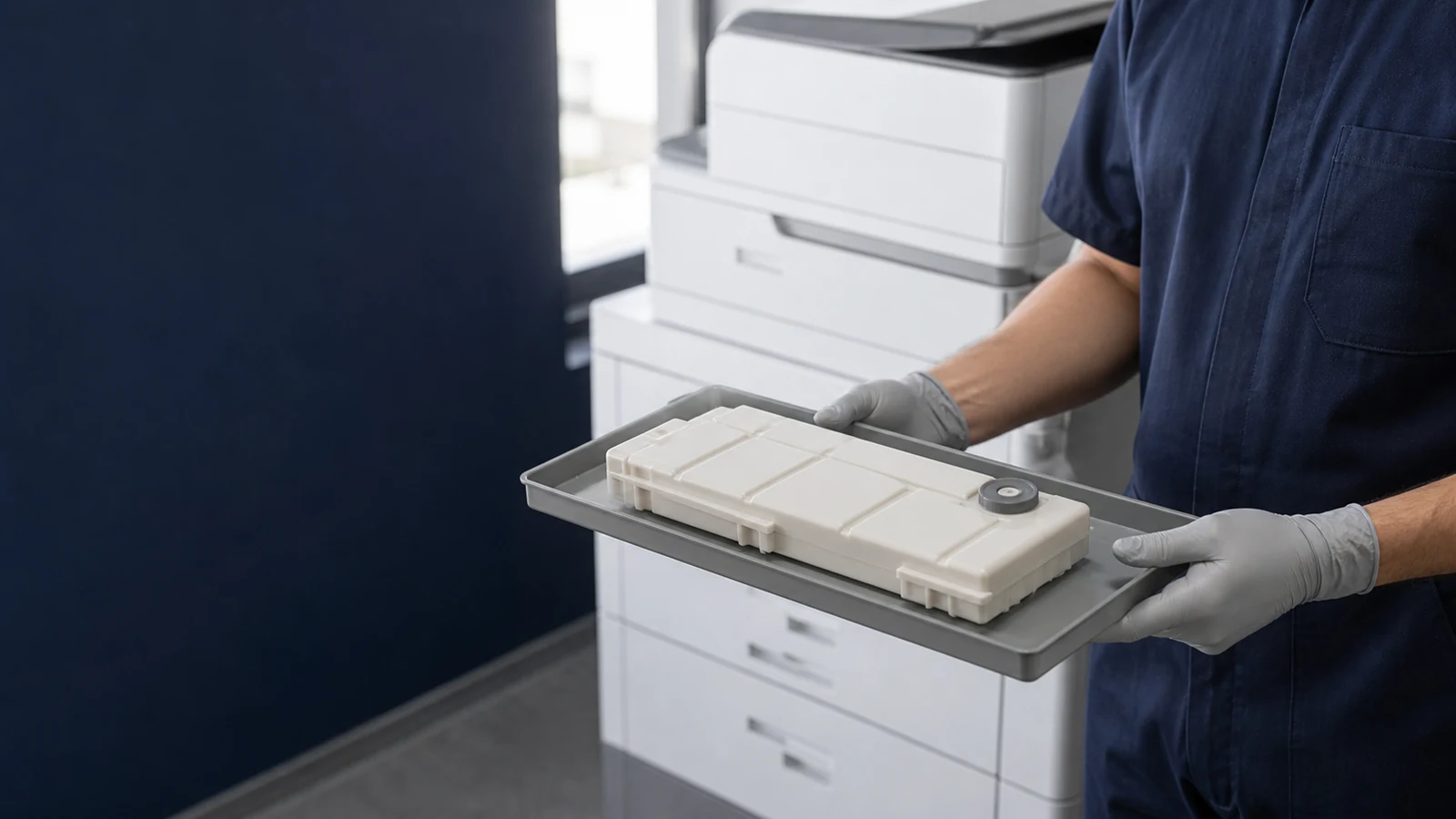
If your Ricoh shows a waste toner bottle full message, first identify the exact machine and the waste collection part it uses. For a machine with a separate, replaceable waste toner bottle, follow its documented replacement procedure; a reset cannot create space in a full container. Some Ricoh models collect waste inside a toner cartridge instead, so the message alone is not enough to choose a part.
This guide covers separate waste toner bottles and explains how to distinguish replacement, installation, and persistent-warning problems. Door locations, handling points, power instructions, and acknowledgement steps must come from the manual for your complete model.
Read the Exact Message Before Opening the Machine
A full bottle, an almost-full warning, and a bottle installation error call for different actions. For example, the Ricoh SP C250DN/C252DN operating instructions list replacement and bottle-setting errors separately.
| Message category | First action | Avoid assuming |
|---|---|---|
| Almost full / nearing replacement | Prepare the specified replacement. | A guaranteed number of pages remains. |
| Full / replace waste toner bottle | Follow the model’s replacement instructions. | A menu reset will remove the waste. |
| Setting error / not installed | Check installation as the manual permits. | The bottle must be full. |
| Warning remains after replacement | Check the part, installation, and documented recovery step. | Another reset sequence is required. |
These are message categories, not a universal list of Ricoh screen wording. Some machines combine conditions in one message, as Ricoh’s P C600 guidance does for a full or incorrectly installed bottle. Photograph the actual message and retain any error code before troubleshooting.
For the broader component explanation, read our waste toner box and container guide.
Match the Bottle to the Complete Ricoh Model
Search terms such as MP C6003 waste toner bottle or Ricoh IM C6000 waste toner bottle are a starting point, not proof of interchangeability. Confirm the official consumable reference and compare the actual interface rather than relying on a similar-looking shell.
- Record the full machine name and suffix from its label or configuration page.
- Send the destination country, the old bottle’s reference, and clear photographs of its label and all sides.
- Check the documented inlet, guide, latch, seal, and sensing features that apply to that bottle.
- Include the displayed message, order quantity, and replenishment schedule.
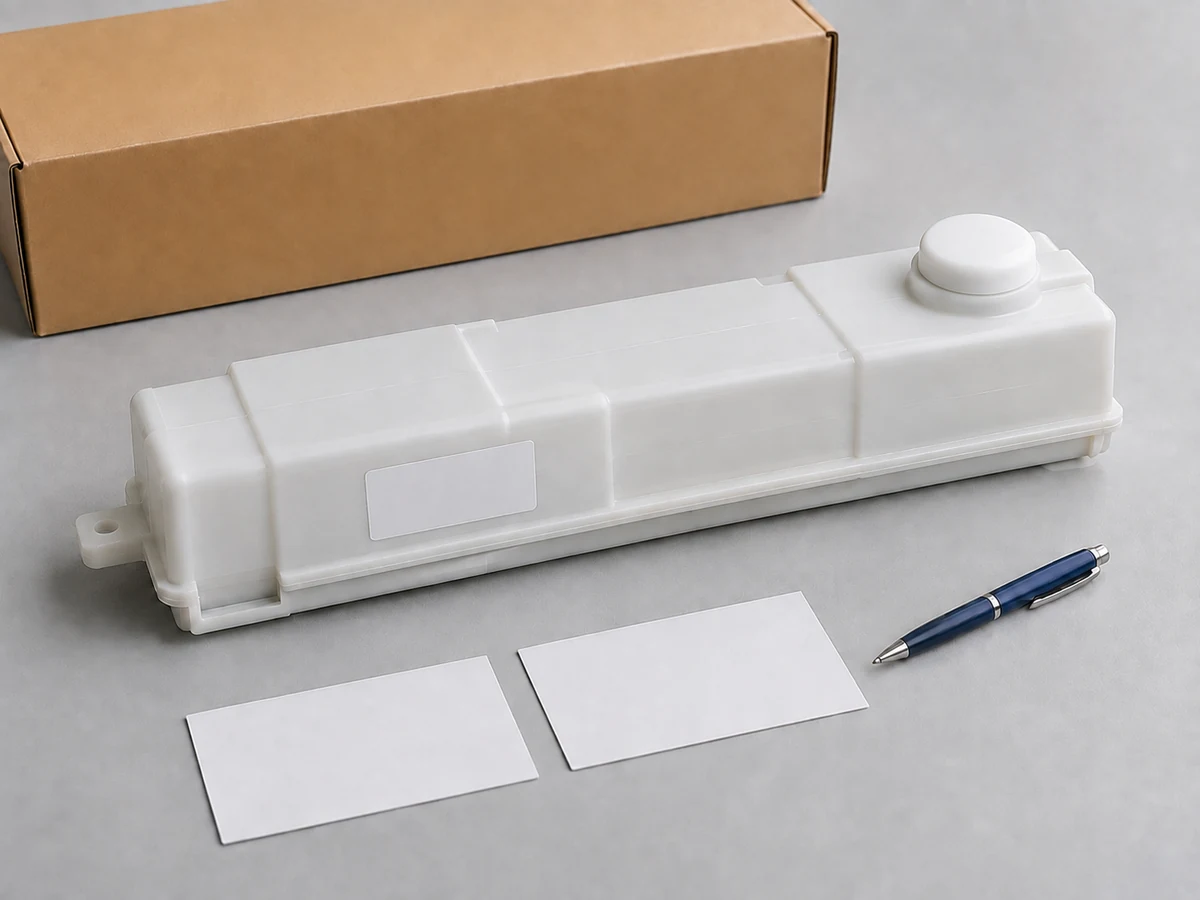
The independent-bottle distinction matters: Ricoh knowledge-base article 284006 directs its applicable machines to a toner-cartridge replacement because their waste section is part of that cartridge. Check that article’s applicable-model list before using its remedy.
Need help identifying a replacement for your destination market? Tell HBtoner the country, full Ricoh model, OEM reference, quantity, and label details so the configuration can be reviewed before quotation.
Send your destination-market and bottle details to HBtoner.
Prepare for a Documented Replacement
Read the machine’s on-screen replacement guide or official manual before removing the bottle. If it directs you to a service representative, stop at that boundary and arrange service.
- Keep the correct new bottle, its packaging, and any supplied closures ready.
- Protect nearby surfaces with disposable paper as the manufacturer instructs.
- Identify the removal direction, support points, and any locking or sealing steps before moving the old bottle.
- Use only the power and cover sequence documented for the exact machine.
Do not add a generic “seal every opening” step; fit closures only at the points and stage shown in the matching instructions. A transport cap, a collection inlet, and a sensing feature are not interchangeable places to tape or modify.
An Official Example: IM C3000 and IM C6000
Ricoh’s IM C replacement article includes the IM C3000 and IM C6000 in its applicable-model list. Its illustrated sequence uses the lower front cover, draws the bottle partly out, then supports it with both hands for removal. The removed bottle is kept horizontal, the new bottle is inserted in the illustrated direction, and the lower cover is closed. The used bottle goes into the packaging from the replacement.
Open Ricoh’s illustrated IM C replacement instructions and applicable models.
Use that illustration for its named machines; do not transfer its door location or removal geometry to an MP C307, another MP model, or an SP printer.
Does “Waste Toner Bottle Full” Need a Reset?
There is no single Ricoh waste toner bottle full reset sequence that applies across these machines. Replace the required part first, then follow only the acknowledgement or recovery action documented for that model. For the IM C machines covered above, Ricoh says to restart if the replacement message remains after the bottle has been changed, because a temporary machine malfunction may be involved. That is a recovery step after replacement, not a way to keep using a full bottle.
- Do not clear a service counter merely to suppress a full-container message.
- Do not tape a detector, hold a sensing flag in place, or modify a shutter to force recognition.
- Do not copy a service-mode sequence from an unrelated Ricoh model.
If the Message Remains After the Correct Replacement
Work from the installation evidence before ordering another bottle.
- Recheck the replacement reference against the complete model and the supplier’s confirmed configuration.
- Use the manual to check seating, latches, cover closure, and any protection that should have been removed.
- Carry out a documented restart or acknowledgement where applicable, then record whether the exact message changes.
- If the warning persists, stop repeated removal and refer the machine for service with the photos, part reference, and error wording.
Leakage, unusual noise, or repeated short replacement intervals are reasons to request a service assessment. A detector or waste-transport fault is a possibility for a technician to assess, not a diagnosis established by the word “full.”
Keep Used Toner Contained
Ricoh’s cited replacement instructions state that the waste toner bottle cannot be reused. Keep the removed container in its documented orientation, use the instructed closures and packaging, and do not empty it into another container or toner cartridge. Do not burn toner or toner containers, and do not use an ordinary vacuum cleaner on spilled toner. Ricoh warns that toner can ignite inside a vacuum cleaner; follow the exact manual’s spill instructions and use trained help where needed. Keep toner out of children’s reach and arrange collection through the route specified by the local Ricoh representative or applicable local requirements.
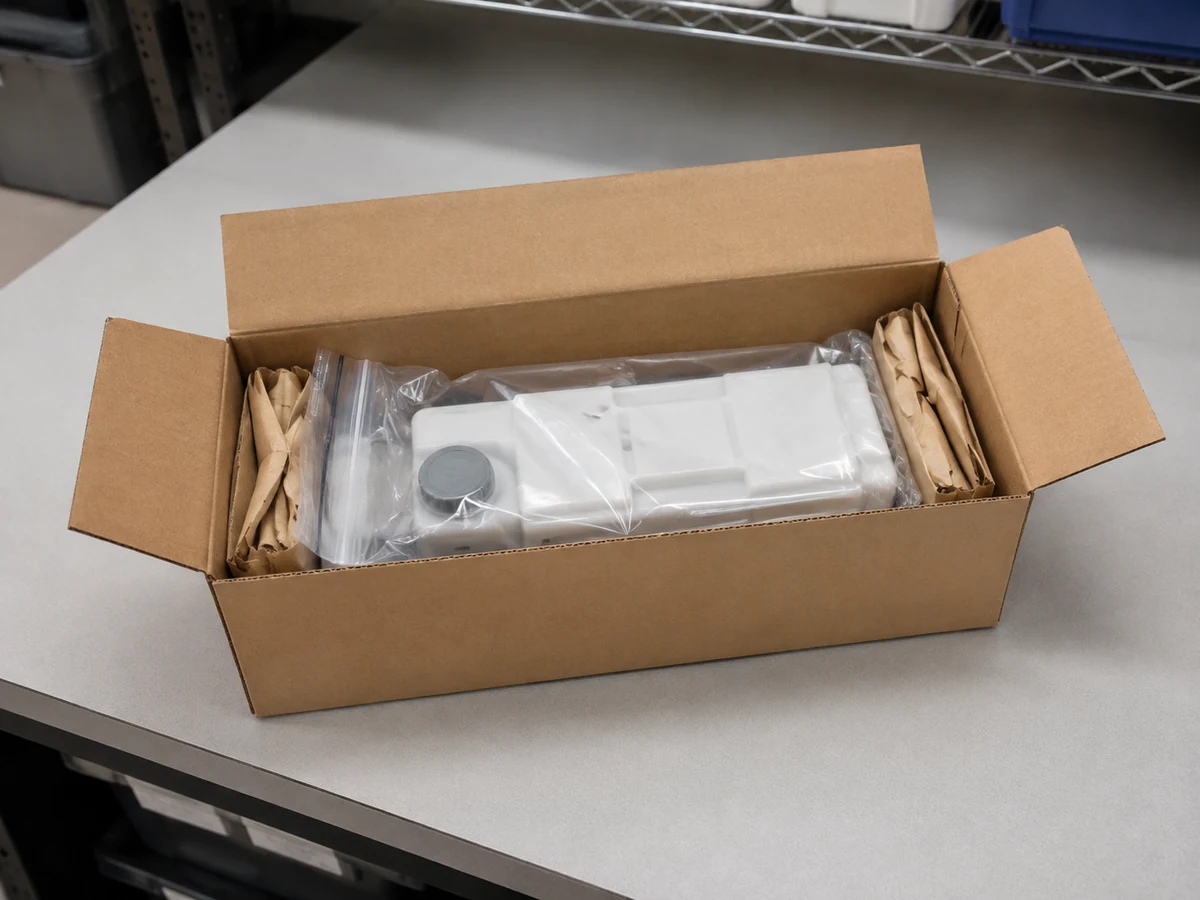
Read Ricoh’s IM C waste toner bottle handling and safety precautions.
A Service Record That Helps Dealers Solve Repeat Calls
Record the machine asset ID, full model, meter reading, exact message, old and new bottle references, installation date, and final result. Keep the supplier’s lot reference and photographs where available, and separate leaking or damaged stock from usable parts. Compare repeat incidents on the same machine before blaming bottle capacity or promising a fixed replacement interval. For a purchase, ask which identity, fit, sealing, functional, and packaging checks apply to the proposed reference and what evidence will accompany the order.
Our OEM vs. compatible toner buying guide explains the wider supplier-approval approach.
Frequently Asked Questions
Can I empty the bottle and put it back?
The replacement procedures cited here specify a new bottle and prohibit reuse. Do not treat an emptied bottle as an approved replacement.
Will turning the printer off and on clear the warning?
Restarting does not remove collected toner. It can be a documented recovery action after replacement on applicable IM C models, but a persistent warning still needs investigation.
Are MP C6003 and IM C6000 waste bottles interchangeable?
Do not decide from the machine names or the exterior alone. Confirm the official part references and the supported configuration for both complete models before approving a substitution.
Can I keep printing when the bottle is nearly full?
Follow the machine’s displayed instructions and prepare a replacement promptly. Do not promise a remaining page count or bypass a stop condition.
Request a Ricoh Waste Toner Bottle Configuration Review
Send HBtoner the destination country, complete Ricoh model and suffix, OEM waste-bottle reference, quantity, and required replenishment date. Include the exact message and describe any installation problem, along with neutral-label or private-label packaging requirements. Keep clear label and interface photos ready to share during follow-up. Supported references, order quantity, packaging, and lead time are confirmed for the specific request before quotation.
Start a configuration inquiry with HBtoner.
Brand and product names identify compatibility only. HBtoner is an independent supplier and is not affiliated with or endorsed by Ricoh.