Separate toner and waste-container references, avoid similar-model mistakes, and define replacement checks and sample records before ordering Sharp-compatible supplies.
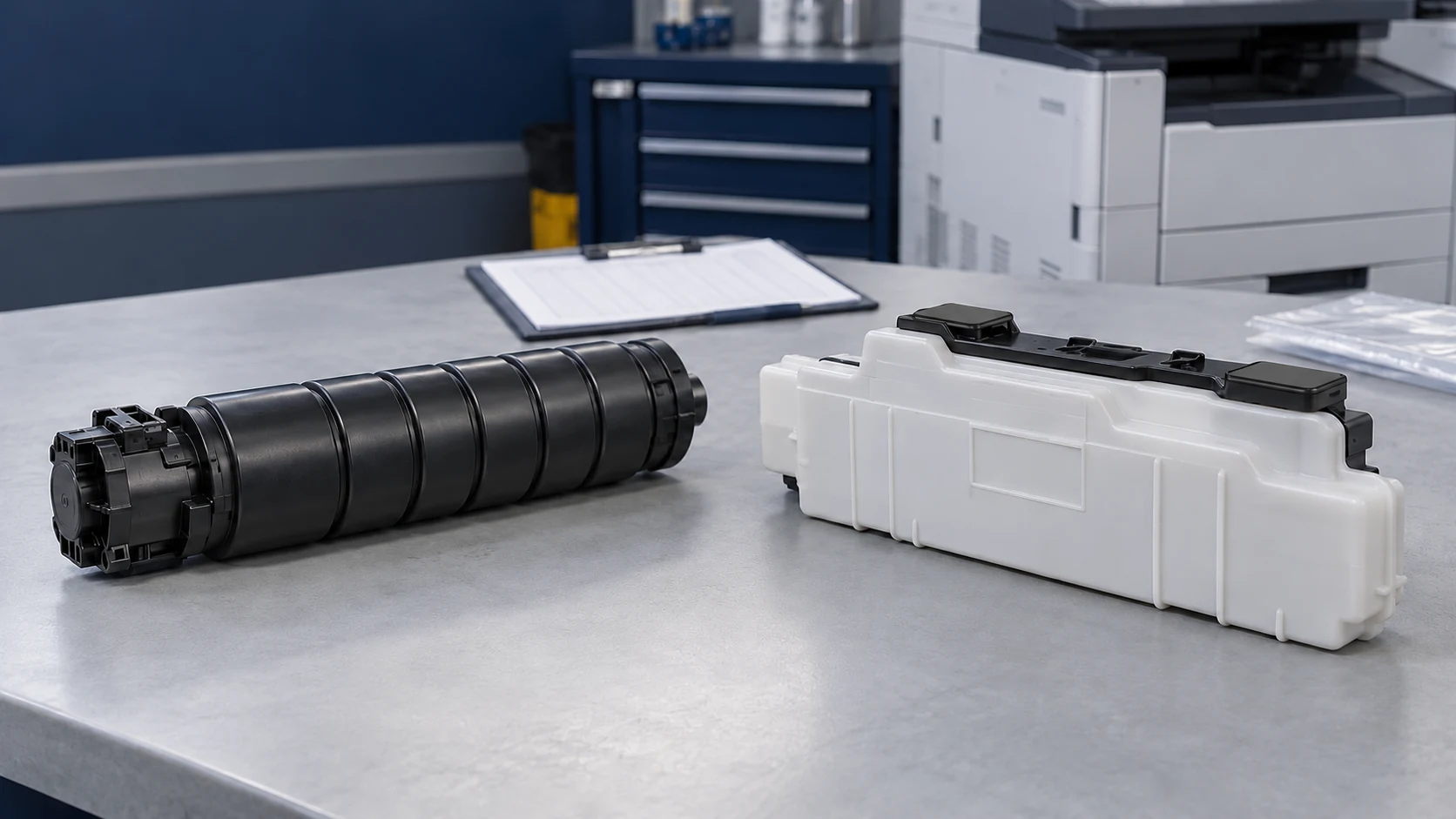
Sharp copier toner supplies usable toner, while a waste toner box collects excess toner from the printing process. Treat them as separate order lines and verify each against the complete machine model, destination market and exact OEM reference. This guide helps dealers turn those checks into an order specification, a safe response to a collection-container message and a useful sample record.
Cover image: Representative unbranded toner supply and waste container. Match their references separately; the illustrated shapes do not confirm fit for a particular copier.
Identify which consumable the request actually needs
Sharp manuals may use toner collection container for the part commonly called a waste toner box. A toner cartridge, developer and drum are different supply or service items; the historical US specifications cited below list them separately. If a customer reports a full collection container, ordering more fresh toner does not address that request.
The BP-70C65 US toner instructions distinguish a preparation message from a change-cartridge message and identify the relevant color. For that manual family, do not try to remove a cartridge that has not been ejected; do not transfer its toner-removal procedure to the waste container.
Match the complete model before ordering
A single letter can change the reference: MX-3070N and MX-M3070 are different models. The following examples come from Sharp US brochures, checked on October 10, 2026; they illustrate identification, not current worldwide availability or approval of a compatible product.
On narrow screens, swipe horizontally to compare all columns.
| US model | Black toner | Collection container | Purchasing distinction |
|---|---|---|---|
| MX-3070N | MX-60NTBA | MX-607HB | Color model; black is one toner position. |
| MX-M3070 | MX-561NT | MX-609HB | Monochrome model; retain the M in the order. |
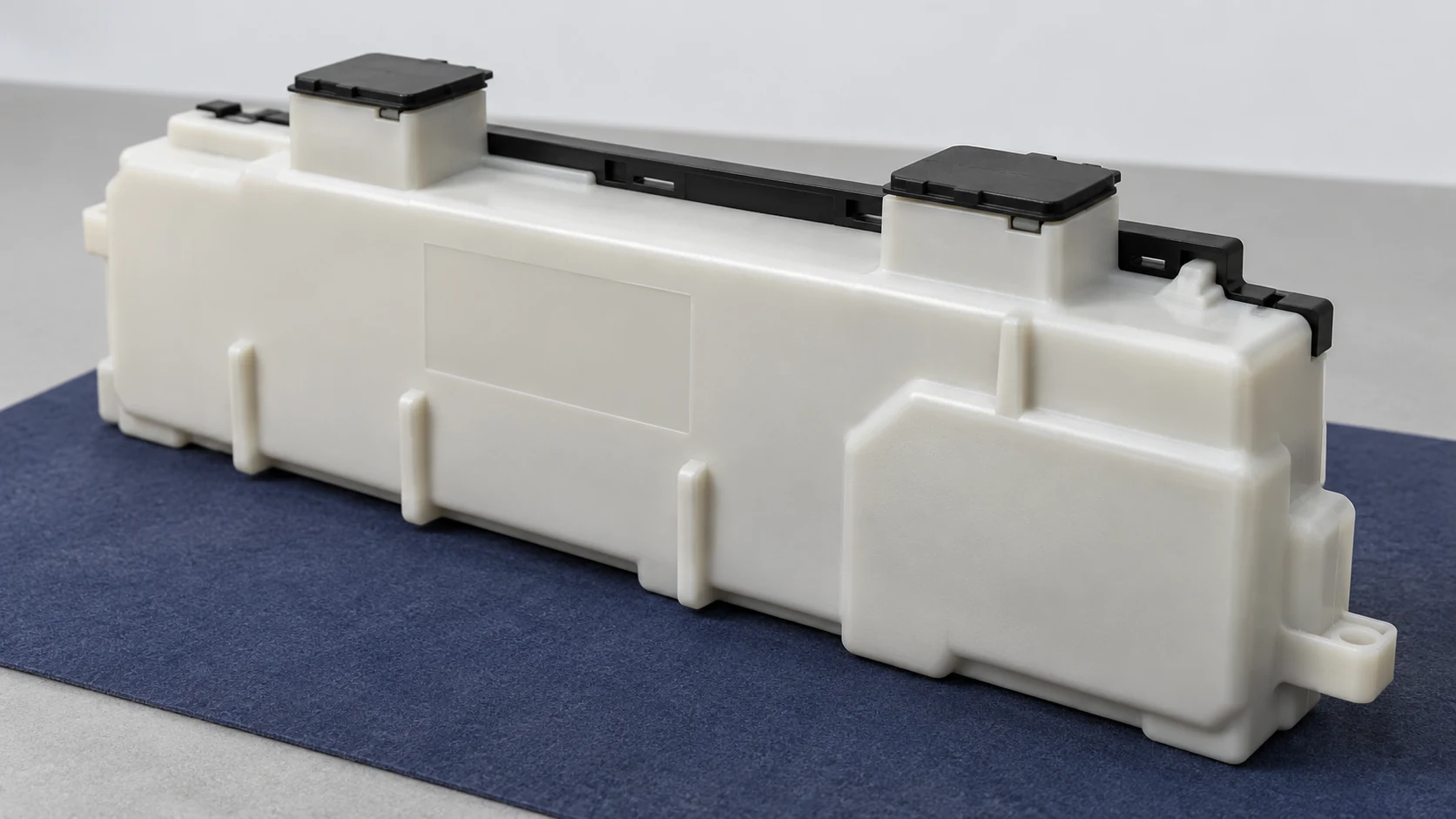
For an MX-2651 or MX-3051 waste toner box request, confirm the container independently: the cited US specification sheet lists toner and developer but does not establish a waste-container number. Photograph the machine rating label and existing supply label, then check the local OEM listing, any replacement reference and the supplier’s exact offered revision. Compare the external guides, latches, sealed openings and identification features where fitted; photographs support the check but cannot prove compatibility on their own.
Follow the exact collection-container replacement instructions
Start with the displayed message and the user manual for the full model; prepare the specified replacement and handling materials before opening the machine. For example, Sharp’s US BP-70C65 manual says to replace the container at its replacement prompt and allows the procedure to be viewed on the touch panel. That manual requires the removed container to stay upright with its holes never pointing down, and to be kept in the provided plastic bag and original box. It also states that the message disappears automatically after replacement; this is not a universal reset instruction for all Sharp machines.
Do not invent a cap-removal sequence, empty a sealed box, bypass detection or use service resets to make a full-container message disappear. Follow the exact model’s handling and return instructions, keep toner containers away from fire, and refer leakage or inaccessible internal parts to qualified service.
Use the symptom to choose the next check
The table below organizes evidence; it does not diagnose a failed component or replace the machine’s instructions.
On narrow screens, swipe horizontally to compare all columns.
| Reported symptom | First useful check | Decision boundary |
|---|---|---|
| Toner not recognized | Record the message, model, market, color and offered revision. | Use only the documented installation checks; do not modify identification features. |
| Waste message remains | Confirm the container reference, revision and seating using the model instructions. | Escalate if the correct new unit remains unrecognized; do not assume a reset is needed. |
| Leakage near the box | Record the location, damaged packaging or housing, and installation history. | Follow the stop/handling instructions and request service; another box may not resolve a machine-side fault. |
| Light, uneven or loose print | Keep a test page and note paper, media setting, color affected and supply lot. | Image quality alone does not identify toner, developer, drum or fuser as the cause. |
Use the print-quality guide to organize test pages before attributing a defect to one consumable.
Agree the sample record before ordering a batch
A useful quotation identifies the supplier item and revision for each OEM cross-reference, then separates what is being supplied from what has actually been tested.
- Identity: full model and suffix, destination country, each toner color, each container reference, supplier code, revision and lot.
- Toner evaluation: record the target machine and settings, paper, job pattern, recognition, print appearance, adhesion and any leakage against agreed criteria.
- Container evaluation: document fit, retention, recognition where applicable, sealing and the specified handling orientation; agree the test method for any claimed usable capacity.
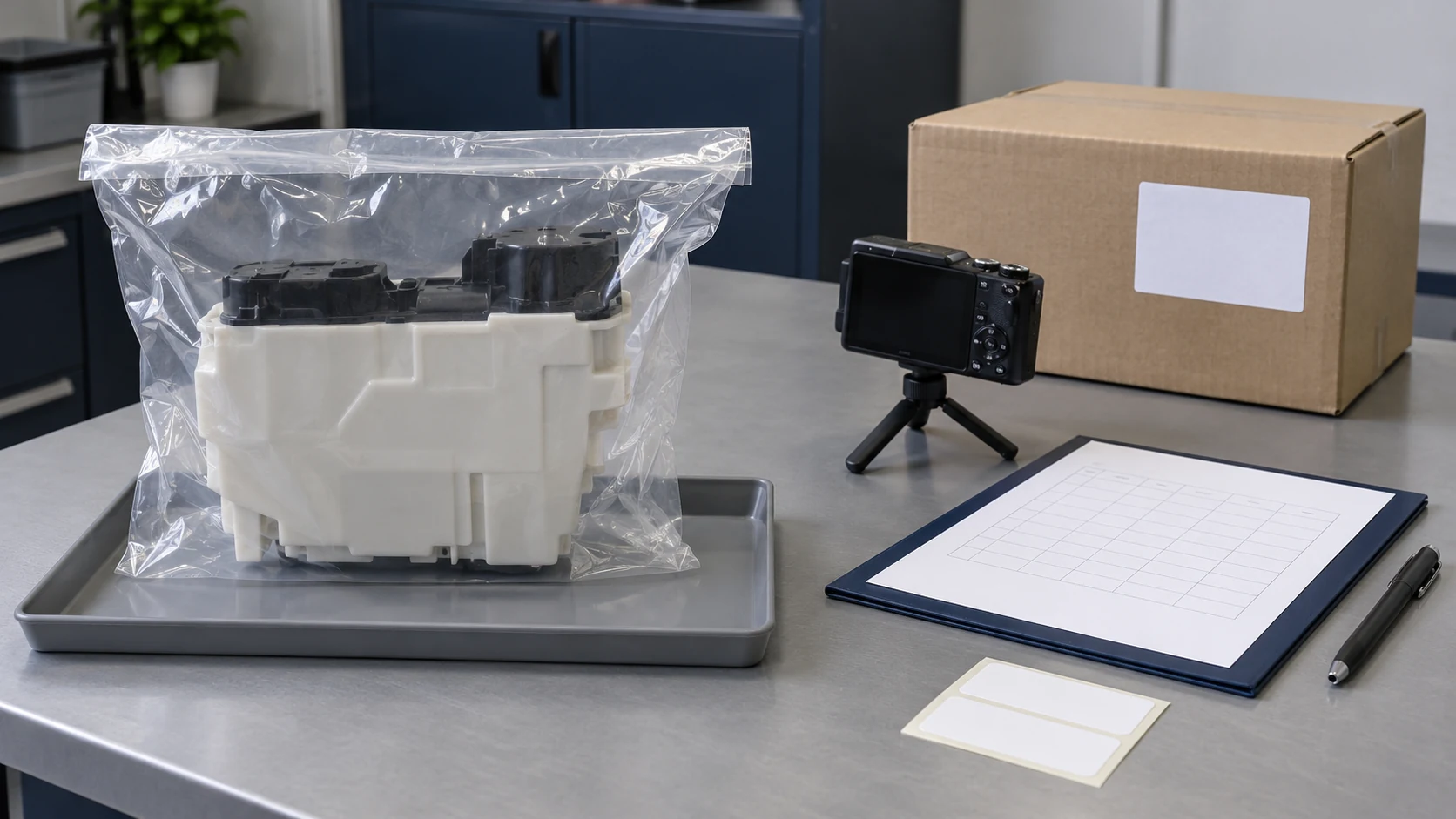
- Delivery record: approve packaging, labels, included bags or caps, carton protection, quantity and project-specific claim terms before repeat orders.
Keep the method and conditions beside any toner-yield claim; a toner page estimate does not define waste-container capacity or a guaranteed replacement interval. A sample result covers its recorded configuration and test scope, so retain approved samples or identification records and require review when the specification changes.
Frequently asked questions
Is a toner collection container the same as a waste toner box?
They can describe the same function, but the terms do not identify a universal part; match the exact reference and full machine model.
Can I empty and reinstall a Sharp waste toner box?
Do not assume it is reusable: the BP-70C65 instructions cited here specify replacement and contained storage of the removed box, so use your exact model’s instructions.
Does new toner clear a full waste-container message?
No: toner supply and waste collection are separate functions, so follow the collection-container message and replacement procedure.
Can I order by a shortened name such as Sharp 3070?
No: the US examples above show different toner and container references for MX-3070N and MX-M3070, so preserve every letter and suffix.
What should I retain for a leak or recognition claim?
Keep the exact message, model, supply reference and lot, installation history, relevant test pages and photos taken without further handling the leak; add firmware details when recognition is involved.
Send a complete Sharp supplies request to HBtoner
Send the full model and suffix, destination country, separate OEM toner and collection-container numbers, colors, quantities, replenishment timing and packaging requirements. HBtoner coordinates the appropriate source and specification through a manufacturing network for the product and destination; compatibility, sample scope and commercial terms are confirmed for the actual project.
Discuss the references and order requirements with HBtoner.
Manufacturer names are used to identify compatibility and references; HBtoner is independent of, and not affiliated with or endorsed by, those manufacturers.