A model-safe Xerox guide to identifying the correct waste container, handling replacement, and checking a warning that remains after installation.
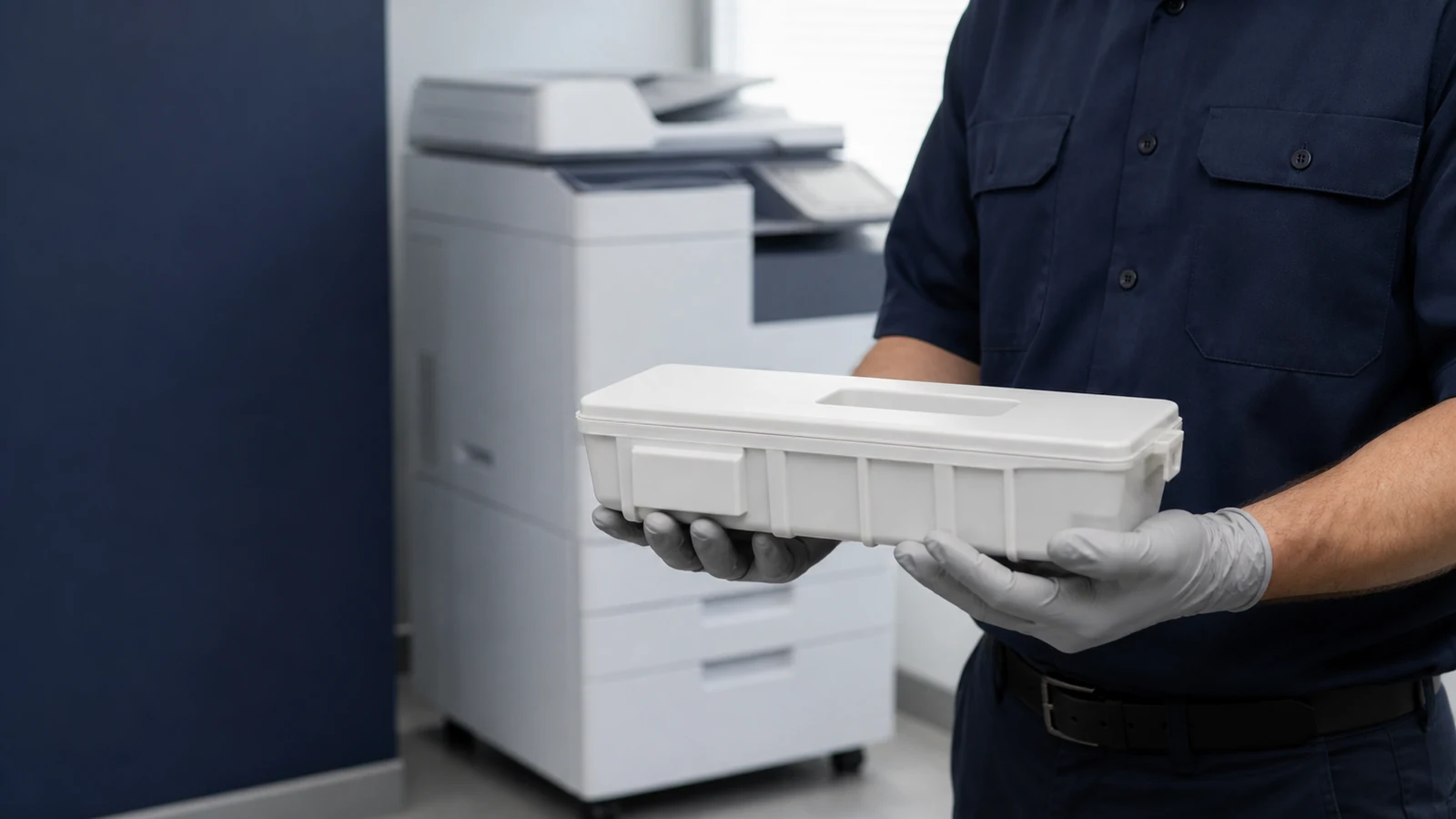
When a Xerox device asks for a waste toner container replacement, identify the complete machine model and the exact supply reference before opening a cover. Xerox uses several names and several removal designs, so a procedure for one family can be wrong for another even when the parts look similar. This guide gives safe decision points and official examples; the on-screen instructions or Xerox documentation for your exact model remain the authority.
Read the Exact Message Before Removing Anything
A nearly-full notice, a replace-now message, and a warning that remains after installation are different situations. Photograph the message and any fault code, and note whether the device is still printing or has stopped.
On narrow screens, swipe horizontally to compare all columns.
| What you see | First response | Do not assume |
|---|---|---|
| Near-full or reorder notice | Prepare the model-specified replacement. | A fixed number of pages remains. |
| Full or replace message | Pause work and follow the exact replacement guide. | A reset can create capacity in a full container. |
| Warning stays on | Recheck the part, seating, covers, and documented closeout. | Every Xerox family uses the same sensor or reset. |
Know the Name Used by Your Xerox Family
Depending on the product family, Xerox documentation may say waste container, waste cartridge, or waste dry ink/toner bottle. R5 is not a universal Xerox name: the VersaLink C8000, C8000W, and C9000 procedure identifies R5 as the waste cartridge for that family. Do not search for an R5 part solely because another Xerox machine uses that label.
For a brand-neutral explanation of the component, read our waste toner box and container guide.
Match the Part Number Before Opening the Device
Use the complete model name, destination market, and official supply reference rather than a shortened family name or shell shape. A useful request includes clear photographs of the old container label, inlet, guide surfaces, handle, closures, and every side.
- Record the full model and suffix from the machine label or configuration page.
- Copy the waste-container reference exactly, including leading zeros and letter suffixes.
- State the destination country or market because supply listings and return routes can differ.
- Compare documented locating features and closures; appearance alone does not prove compatibility.
For example, Xerox's official page for 008R13061 lists specific AltaLink C8000-series, WorkCentre 7400/7500/7800-series, 7970/7970i, and EC7836/EC7856 devices. That mapping is an example, not permission to treat 008R13061 as a universal Xerox waste toner container.
Check Xerox's official 008R13061 product and compatibility listing.
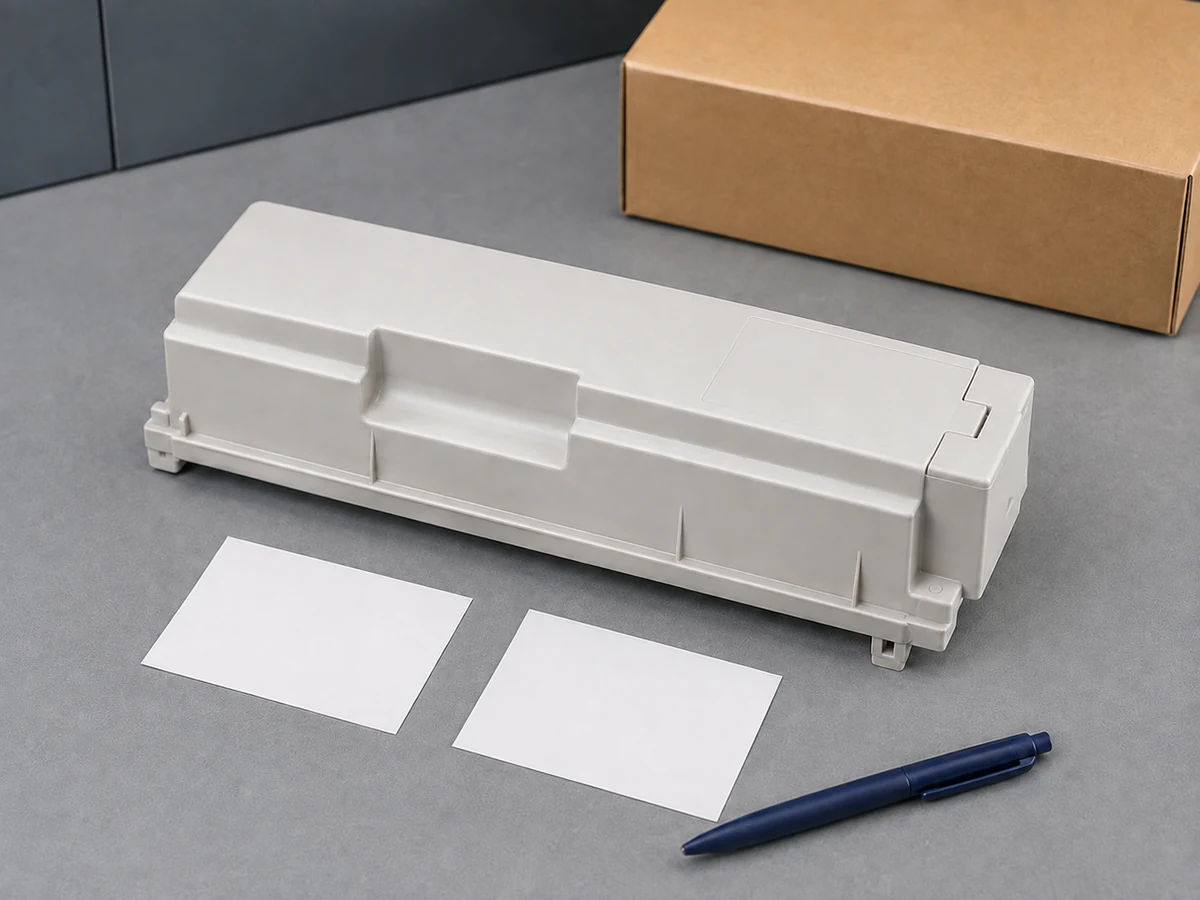
Need a configuration review for a specific market? Send HBtoner the destination country, complete Xerox model, OEM reference, quantity, and label photos before requesting a quotation.
Send your Xerox model and destination-market details to HBtoner.
Why Replacement Steps Differ by Model Family
Official Xerox instructions show meaningful differences in naming, handling, and the final confirmation step. Use the comparison below to understand the variation, then open the linked procedure for the exact supported family.
On narrow screens, swipe horizontally to compare all columns.
| Official example | Documented handling | Documented closeout |
|---|---|---|
| AltaLink C8130 series | Pull the waste container slowly and support it with the other hand; place it in the supplied bag and box. | Insert the new container until it clicks, clean the printhead lenses as directed, and close the cover. |
| VersaLink C8000 / C9000 | The R5 waste cartridge is pulled until its top handle is available, then removed with two hands and kept upright. | Remove only the specified protective material from the new cartridge and push it in until it clicks. |
| Selected Versant presses | Stop jobs, pull the bottle slowly, support its underside, and place the used bottle in the supplied bag. | After replacement, the system automatically resets the HFSI usage counter; verify it on Consumables Supply. |
AltaLink C8130-series: official waste-container replacement procedure.
VersaLink C8000/C8000W/C9000: official R5 waste-cartridge procedure.
Versant presses: official waste dry ink/toner bottle procedure.
A Model-Safe Replacement Sequence
The following sequence is a preparation and verification framework, not a substitute for the illustrated procedure for your device. Do not perform the replacement while the machine is copying or printing, and do not open unrelated covers.
- Pause jobs and read the entire on-screen or official replacement procedure.
- Prepare the exact new part, its packaging, disposable protective paper, and any supplied bag or closure.
- Open only the cover named in the model-specific instructions.
- Move the used container slowly and support it at the points shown; avoid tilting, shaking, or resting it on a prohibited side.
- Place the used container directly into the specified bag or retained packaging.
- Remove only the protective material identified for the new part, install it in the documented orientation, and confirm the required click or seated position.
- Complete any family-specific cleaning or confirmation step, close the cover, and check the display before resuming work.
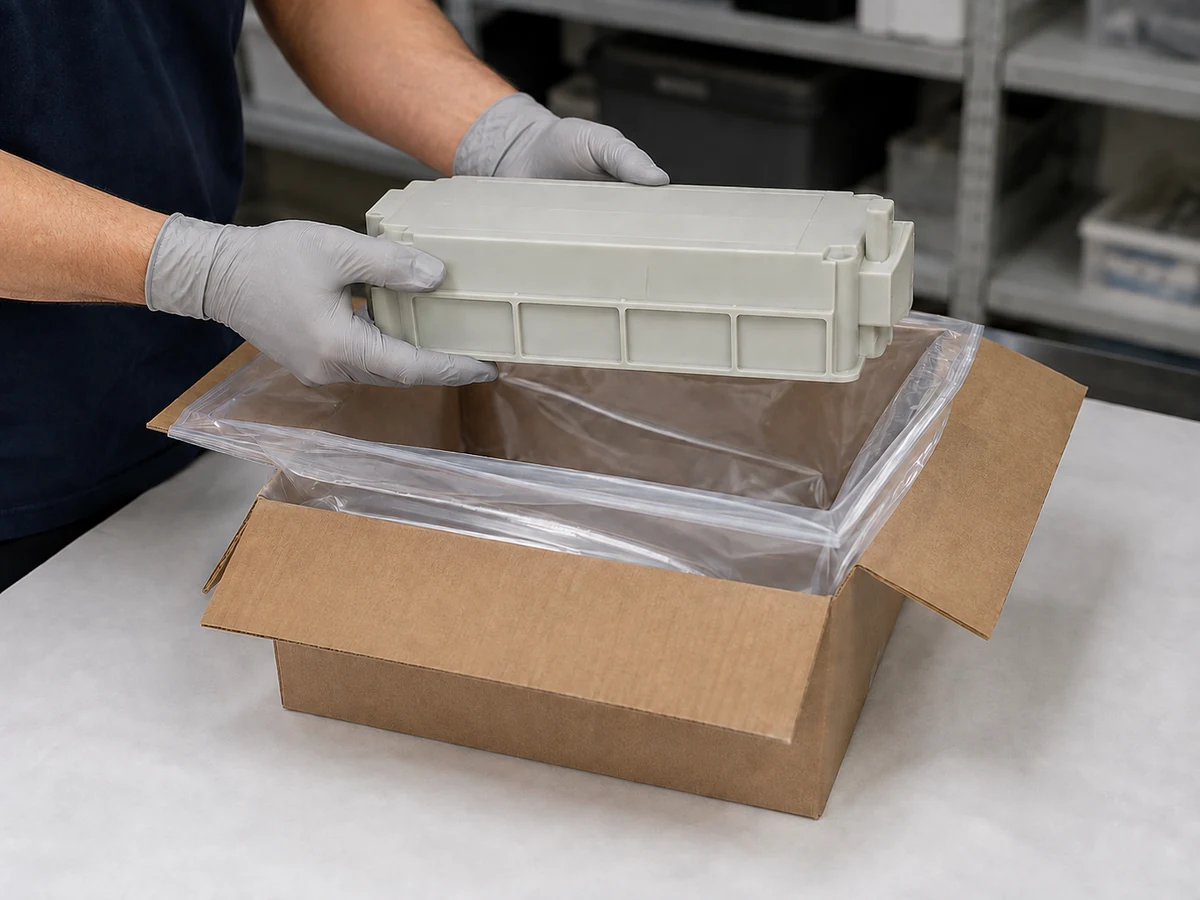
Do not improvise by taping an inlet, forcing a latch, modifying a sensing feature, or emptying the collected toner into another vessel. A transport closure and an operating interface are not interchangeable, and the wrong modification can create a leak or recognition problem.
Clean Printhead Lenses Only When the Procedure Says To
The AltaLink C8130-series and AltaLink B8145/B8155/B8170 replacement articles include printhead-lens cleaning as part of the task. That does not make lens cleaning a universal step for every Xerox device. Use the named cleaning tool and sequence only where the matching Xerox instructions require them.
AltaLink B8145/B8155/B8170: official replacement and lens-cleaning guidance.
Does a Xerox Waste Container Need a Reset?
There is no single hidden reset sequence that applies to every Xerox waste toner container. In the Versant procedure cited above, replacement automatically resets the HFSI usage counter and the operator can verify the result on the Consumables Supply screen. The AltaLink and VersaLink procedures reviewed here focus on correct removal, installation, required cleaning, and closing the cover rather than a separate universal reset code.
If the warning remains, confirm the exact replacement reference, remove only documented shipping protection, recheck that the part and cover are fully seated, and complete the on-screen closeout. Record any new error code and arrange qualified service if the correct warning does not clear; do not repeatedly remove the container or copy service-mode instructions from another model.
Handle Spilled Toner Without an Ordinary Vacuum
Xerox's AltaLink and Versant instructions warn against using an ordinary vacuum cleaner for spilled toner because electrical sparks can cause a fire or explosion. Protect the work area with paper before removal and follow the exact manual's cleanup directions. Where the cited AltaLink guidance applies, use a moist cloth for spilled toner and wash skin or clothing with cool water and mild soap; warm water can set toner. If toner reaches the eyes, follow the manufacturer's first-aid direction and seek medical attention as instructed.
Keep the removed container in the supplied bag or retained packaging and use the recycling or disposal route required for your location. Do not treat a generic shipping carton as proof that a package is certified for transport.
Close the Job With a Useful Service Record
A short service record helps distinguish a one-time replacement from repeated fit, leakage, supply, or machine problems.
On narrow screens, swipe horizontally to compare all columns.
| Record | What to capture | Why it matters |
|---|---|---|
| Machine | Asset ID, full model, meter reading | Separates model and usage history |
| Message | Exact wording, code, photograph, time | Preserves the original symptom |
| Part | Old/new references, supplier lot, label photos | Supports configuration and lot review |
| Outcome | Install date, final display, print check, follow-up | Shows whether the call was resolved |
If replacement intervals suddenly shorten, the container leaks, or the warning repeatedly returns, keep the evidence and request a machine assessment instead of promising a capacity figure. For sourcing, ask what identity, fit, sealing, functional, and packaging checks apply to the quoted reference and what records will accompany the order.
Our OEM vs. compatible toner guide explains the wider supplier-approval approach.
Frequently Asked Questions
Can I empty and reuse a Xerox waste toner container?
Use the new replacement specified by Xerox and keep the removed container contained for the applicable return or disposal route. Emptying a used container is not a substitute for the documented replacement.
Is every Xerox waste cartridge called R5?
No. R5 is used in the cited VersaLink C8000/C8000W/C9000 procedure, while other Xerox families use different names and parts.
Why is the warning still displayed after replacement?
First verify the exact part, removed shipping protection, installed position, cover closure, and the documented final step. If the message remains, preserve the code and photos and arrange service rather than forcing a reset.
Does 008R13061 fit every AltaLink model?
No. The official Xerox page lists named compatible devices, including selected AltaLink C8000-series models. Check the complete model and current official mapping before ordering.
Can I use a household or shop vacuum for loose toner?
No. The cited Xerox instructions warn against an ordinary vacuum because sparks can create a fire or explosion risk. Follow the cleanup method in the exact machine instructions.
Request a Xerox Waste Toner Container Review
Send HBtoner the destination country, complete Xerox model and suffix, OEM waste-container reference, required quantity, and target replenishment date. Include clear label and interface photos, the exact machine message, and any neutral-label or private-label packaging requirements. Supported references, order quantity, packaging, and lead time are confirmed for the specific request before quotation.
Contact HBtoner with your Xerox model and market details.
Official References
- Xerox AltaLink C8130/C8135/C8145/C8155/C8170 — Replace the Waste Container
- Xerox AltaLink B8145/B8155/B8170 — Replace the Waste Container
- Xerox VersaLink C8000/C8000W/C9000 — Replace the Waste Cartridge
- Xerox Versant 80/180/2100/280/3100/4100 — Replacing the Waste Dry Ink/Toner Bottle
- Xerox Color C60/C70/EC70 — Replace the Waste Toner Container
- Xerox 008R13061 Waste Toner Container — Official Compatibility Listing