Choose Kyocera-compatible TK toner by exact model, installation market, color and configuration, with regional examples and a practical sample checklist.
To buy Kyocera-compatible toner, match the exact TK reference to the complete device model and installation market, then verify the configuration of the independently supplied product. For distributors and service businesses, a useful buying record also identifies color, capacity, recognition requirements, construction, yield basis and package contents. This guide shows how to build that record and approve a defined configuration; it is not an exhaustive TK catalogue.
Cover image: Representative toner-supply selection review; the container and workspace are illustrative, not a verified HBtoner product or a specific TK reference.
Start with a regional Kyocera lookup
Kyocera lists TK references for toner products used in its printer and multifunction-device ranges. ECOSYS or TASKalfa identifies a device family, but a family name is not enough to select a toner item. Use the official product or consumables page for the country where the machine operates, and retain the page with the complete model and listed reference.
On narrow screens, swipe horizontally to compare all columns.
| Official market | Complete device model | Listed original toner reference |
|---|---|---|
| United Kingdom | ECOSYS M2040dn | TK-1170 |
| United States | ECOSYS M2040dn | TK-1172, black |
| United Kingdom | ECOSYS M5526cdw | TK-5240K black; TK-5240C cyan; TK-5240M magenta; TK-5240Y yellow |
These are regional examples from official Kyocera pages, checked on 11 September 2026; they identify original supplies, not HBtoner availability or approval of a compatible product. The two M2040dn entries show why a model name alone cannot establish a worldwide toner reference. Do not treat nearby TK numbers as interchangeable or derive color, yield or market from an assumed numbering pattern.
Record eight fields for each offered product
Create one record for each proposed configuration and color, with a link to the supplier quotation and sample identifier. Separate the official OEM mapping from the supplier's own specification so that a correct catalogue reference cannot conceal an unverified compatible configuration.
On narrow screens, swipe horizontally to compare all columns.
| Field | What to record | Evidence to retain |
|---|---|---|
| OEM TK reference | Exact printed reference and any color suffix | Regional OEM listing and clear label photo |
| Device model | Full model, including every letter and suffix | Machine identification label and model-specific guide |
| Installation market | Country of use and any known imported-machine context | Buyer confirmation and regional lookup |
| Color and capacity | Separate K, C, M and Y; record offered capacity and whether it is a starter supply | Item-level quotation and stated specification |
| Recognition configuration | Chip or memory revision where applicable, plus tested firmware | Supplier configuration record and device test result |
| Toner and construction | Agreed product design, relevant components and revision | Specification and approved sample reference |
| Yield basis | Claimed pages, method, device and test conditions | Report for the offered configuration |
| Package contents | Number of toner containers, included accessories and instructions | Agreed packing list and package photos |
For a machine imported from another market, flag that fact before ordering rather than treating the delivery address as proof of its regional configuration. If the label, device guide and supplier listing disagree, leave the item unapproved until the mismatch is resolved in writing.
Verify recognition and the supplied configuration
Physical fit is only one check: a container that fits the opening still needs correct identification and satisfactory print results on the intended machine. Where chip or memory configuration is relevant, ask which revision was supplied and which machine and firmware combination was tested. A general statement such as “works with current firmware” does not identify that test configuration. Keep the approved product and component revisions with each purchase record, and agree which substitutions require notice, approval or another test.
If recognition fails, record the exact message, label, lot, device model and firmware information, then ask the supplier or device support team to investigate. Use the exact model's instructions for handling and installation.
Test samples on the intended machine
A sample plan should answer whether the offered TK configuration meets the buyer's intended application, rather than merely whether the first page prints.
- Record the sample and lot identifiers, complete machine model, firmware where available, machine condition, paper, settings and test files.
- Check external identity, packaging, seals and the supplied parts before installation, then assess fit and recognition using the model-specific instructions.
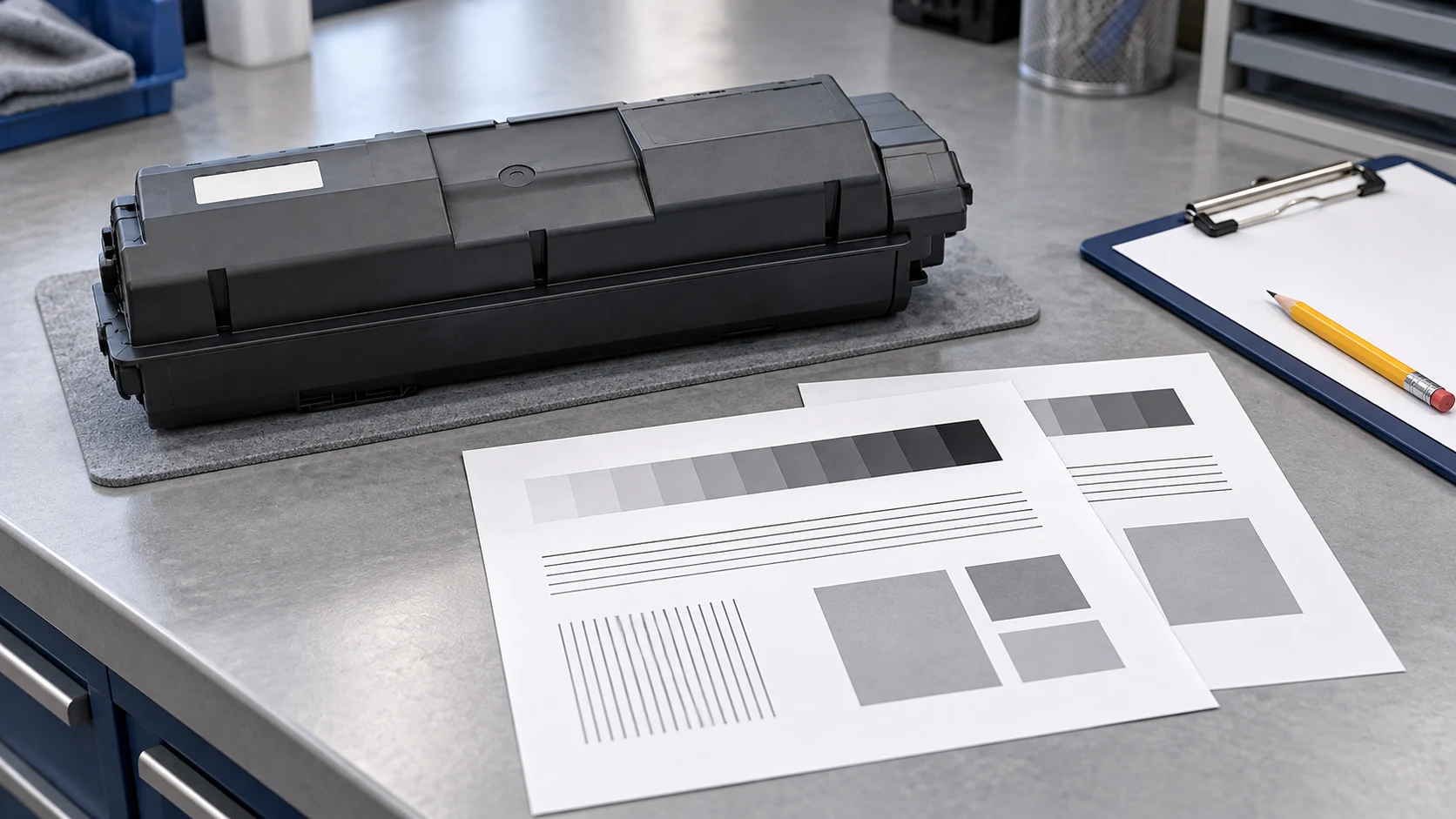
- Review small text, fine lines, solids, background, streaks and adhesion; for color items, include neutral balance and consistency between the intended colors.
- Where practical, assess behavior through use and retain dated print samples, alerts, exceptions and the final approval decision.
Agree sample quantities and acceptance limits for the application and risk; no universal sample count or pass percentage is implied here. Approval applies to the recorded configuration and evidence, and should not be extended automatically to another market, color, component revision or future lot.
Compare yield and price on the same basis
For a page-yield claim, request the method and edition, relevant device, test conditions and a report for the offered product. ISO/IEC 19752 and ISO/IEC 19798 address monochrome and color toner yield respectively within their stated scopes; they do not establish universal compatibility, print quality or reliability. Do not transfer the original Kyocera product's listed yield to a compatible quotation without evidence for that compatible configuration.
Compare quotations for the same TK mapping, color, capacity, recognition configuration, package contents and delivery terms. Separate landed acquisition cost from inventory, service, returns and downtime costs, and avoid counting an expense again if it is already included elsewhere. Any cost-per-page comparison needs a stated usable-output basis and realistic assumptions from the buyer's program.
Keep product identity and package scope clear
Original Kyocera toner and independently supplied compatible toner have different product identities and support arrangements. Check customer contracts and procurement requirements, and describe the supplied product accurately instead of calling it “the same as OEM.”
Review the OEM versus compatible toner guide for the product-identity comparison.
Confirm the agreed packing list rather than assuming that a TK toner order includes a waste toner container or every item needed in a replacement workflow.
See the Kyocera waste toner guide to separate toner references from waste-container identification.
Private-label packaging does not change the underlying TK configuration or make a compatible product genuine Kyocera toner.
Use the private-label project guide when planning artwork and repeat-order approvals.
Related Insights
Frequently asked questions
Can one ECOSYS M2040dn toner reference be used worldwide?
Do not assume so: the official examples above list TK-1170 in the UK and TK-1172 in the US; verify the regional identity of the actual machine and the offered compatible configuration.
Does a similar TK number prove interchangeability?
No; use an explicit model-and-market mapping, then confirm the supplier specification and sample results for the exact reference.
Does every compatible TK product need the same chip?
Do not assume a common recognition configuration; request model-specific requirements, the supplied revision where relevant, and evidence from the recorded device and firmware.
Can the OEM page yield be used in a compatible quotation?
Not as proof of the compatible product: retain a supported yield statement and test basis for the offered configuration, and keep it separate from quality or reliability claims.
What should a distributor send before asking for a quotation?
Send exact TK references, full models and suffixes, installation country, colors, quantities and label photos; add known firmware information, package contents and any private-label requirement.
Prepare your Kyocera-compatible toner inquiry
Send HBtoner the eight-field record, available label and product photos, quantities by color and your replenishment schedule. Identify any unresolved regional or specification mismatch before requesting sample or production approval. HBtoner coordinates the appropriate source and specification through a manufacturing network for the product and destination, and can review the proposed configuration before sampling or quotation.
Send your TK configuration to HBtoner.
Kyocera, ECOSYS, TASKalfa and product references are used only for identification and compatibility; HBtoner is independent of, and not affiliated with or endorsed by, Kyocera.