Identify Canon waste toner containers, check WT-201 and WT-202 references, follow model-specific replacement guidance and investigate persistent full messages.
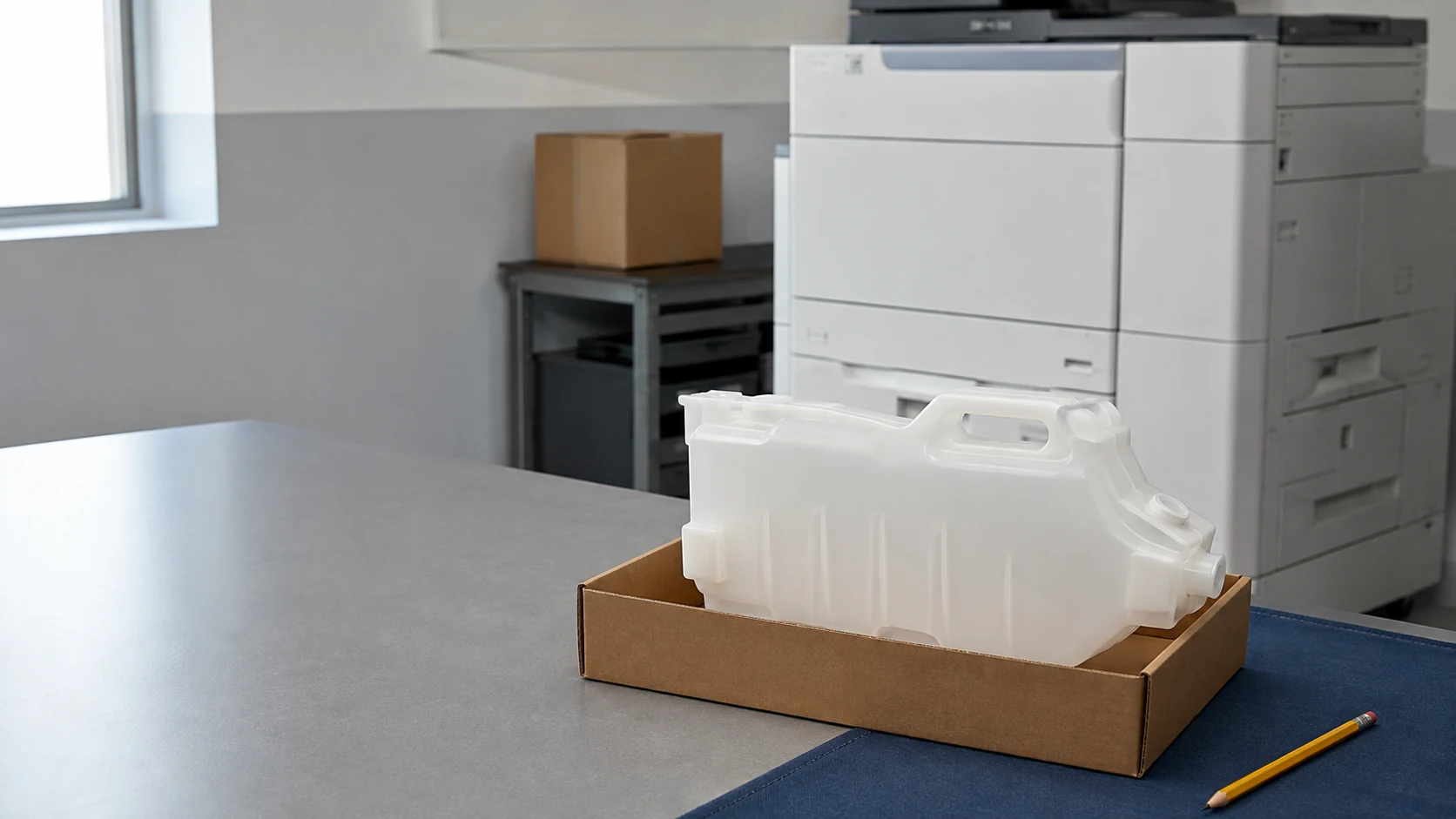
A Canon waste toner container collects residual toner generated during printing; it does not supply fresh toner. Before replacement or purchase, match the complete machine model, operating market and official container reference. WT-201 and WT-202 are separate references, and a similar shape does not establish interchangeability.
Cover image: Representative container and service setting; not a verified Canon or HBtoner SKU.
Identify the container before ordering
Canon uses different consumable layouts across imageRUNNER, imageRUNNER ADVANCE, DX and other product families. Use the replacement-parts list for the exact device rather than a family name alone.
On narrow screens, swipe horizontally to compare all columns.
| Component | Function | Ordering check |
|---|---|---|
| Waste toner container | Collects residual toner | Dedicated container reference and exact model |
| Toner bottle or cartridge | Supplies toner | Reference, color and market |
| Drum unit or fuser | Forms the image or fixes toner to paper | Separate assembly and service requirements |
Read the waste toner box guide for the wider collection system.
What WT-201 and WT-202 tell a buyer
Canon’s official replacement-parts pages list WT-201 and WT-202 as waste toner containers in their respective manuals. Those listings confirm the names, not a universal compatibility list or a newer-for-older substitution. Keep the full printed reference, including any longer part number or revision, with the machine model and destination country.
- Photograph the actual label and all sides of the old part without opening it.
- Record the complete model and suffix, country, exact warning and required quantity.
- Compare the documented rails, keys, closure and detection interface where present.
Choose your destination country and send HBtoner these identification details for a configuration review before quotation.
Respond to nearly full and full messages
An early warning is a signal to prepare the correct replacement, not a promise of a fixed number of remaining pages. For the devices covered by Canon manual USRMA-1888, printing can continue temporarily at the nearly-full stage but stops when the replacement message indicates a full container. Follow your own display and manual for replacement timing; some Canon guides explicitly say to wait for the replacement prompt.
Follow the model-specific replacement sequence
The following checks organize the job; they do not replace the illustrated procedure for your machine.
- Read the complete warning, locate the exact manual and prepare the specified replacement and packaging.
- Follow the documented power state and open only the specified access cover or tray.
- Support the container and use the illustrated removal and closure sequence without tilting or forcing it.
- Contain the used part in the prescribed bag and box, then install and secure the new part as shown.
- Close the specified covers, complete any documented acknowledgement and confirm normal status before a test print.
The differences matter: manual USRMA-0621 shows a front-cover lock lever and capping after removal, while USRMA-9310 describes straight withdrawal followed by bagging. Other Canon tray designs require closing the opening before lifting out the used unit, so never transfer the cap sequence from another model.
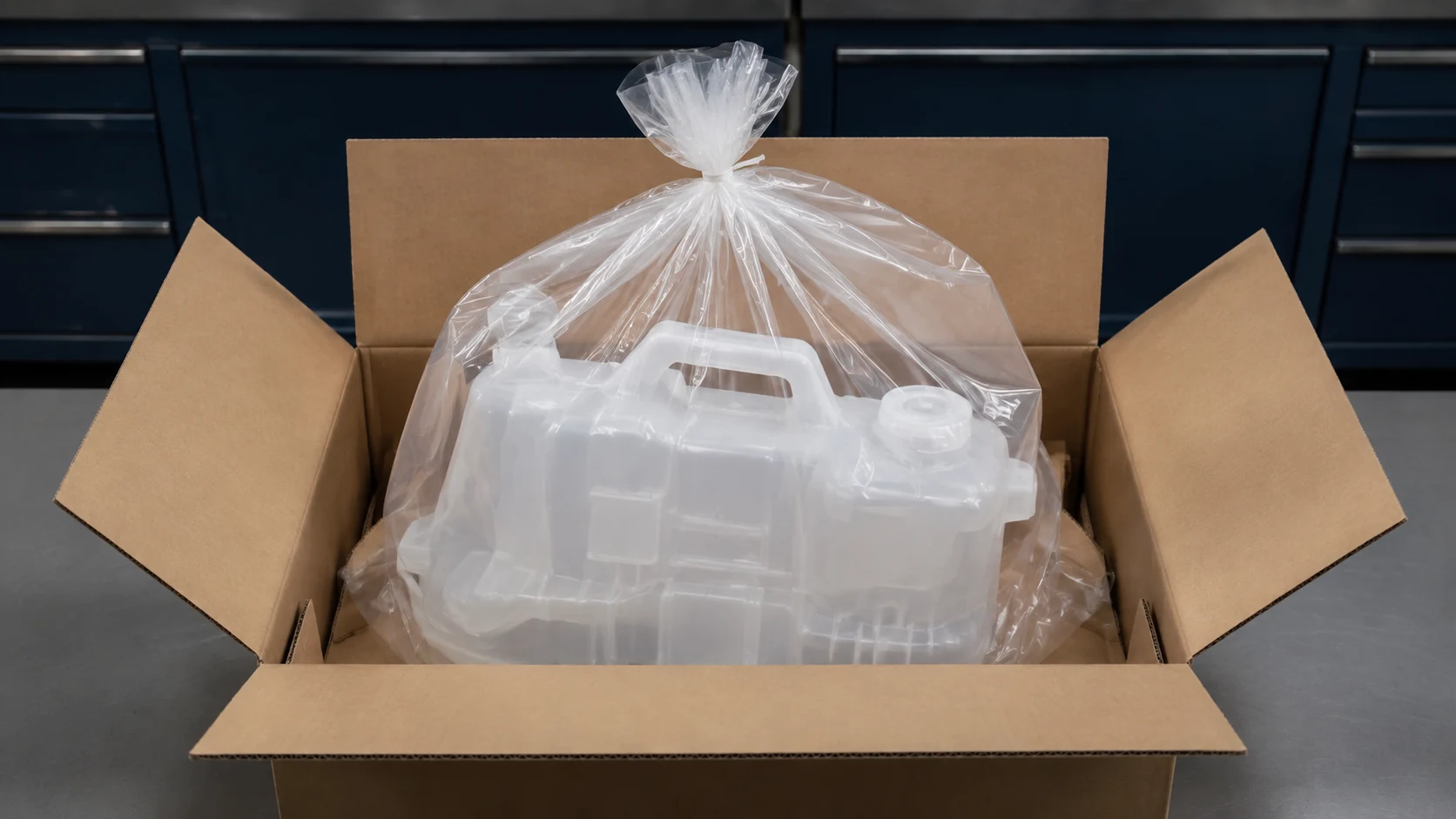
Contain toner and follow the safety instructions
Keep toner-containing parts away from flames and do not reuse collected toner or mix it with fresh toner. Canon warns against cleaning scattered toner with a vacuum that lacks protection against dust explosions. Use the machine’s safety guidance and trained assistance for a significant spill; avoid improvised cleaning or compressed air. Where Canon instructs cold-water washing for toner on hands or clothing, do not substitute warm water, which can set the stain. Confirm the local dealer or authorized collection arrangement for the used part.
Investigate a warning that remains
On narrow screens, swipe horizontally to compare all columns.
| Observation | Next check |
|---|---|
| New container still reports full | Verify reference, orientation, full seating, closure position and covers against the manual. |
| Part will not seat | Stop forcing it; compare the part and documented transport restraints or alignment features. |
| Toner escapes or an abnormal noise occurs | Stop printing and arrange service inspection instead of repeatedly reseating the container. |
| Warning returns unusually soon | Record meters, job mix and messages; capacity, detection and collection-path faults need separate investigation. |
These are diagnostic starting points, not confirmed causes from the message alone. Do not bypass a sensor or use undocumented reset codes; unresolved warnings need model-specific service support. Replacing a waste container does not renew a drum, transfer assembly or fuser, so persistent print defects need their own diagnosis.
Understand the separate role of a drum unit.
Keep service records and qualify the supply
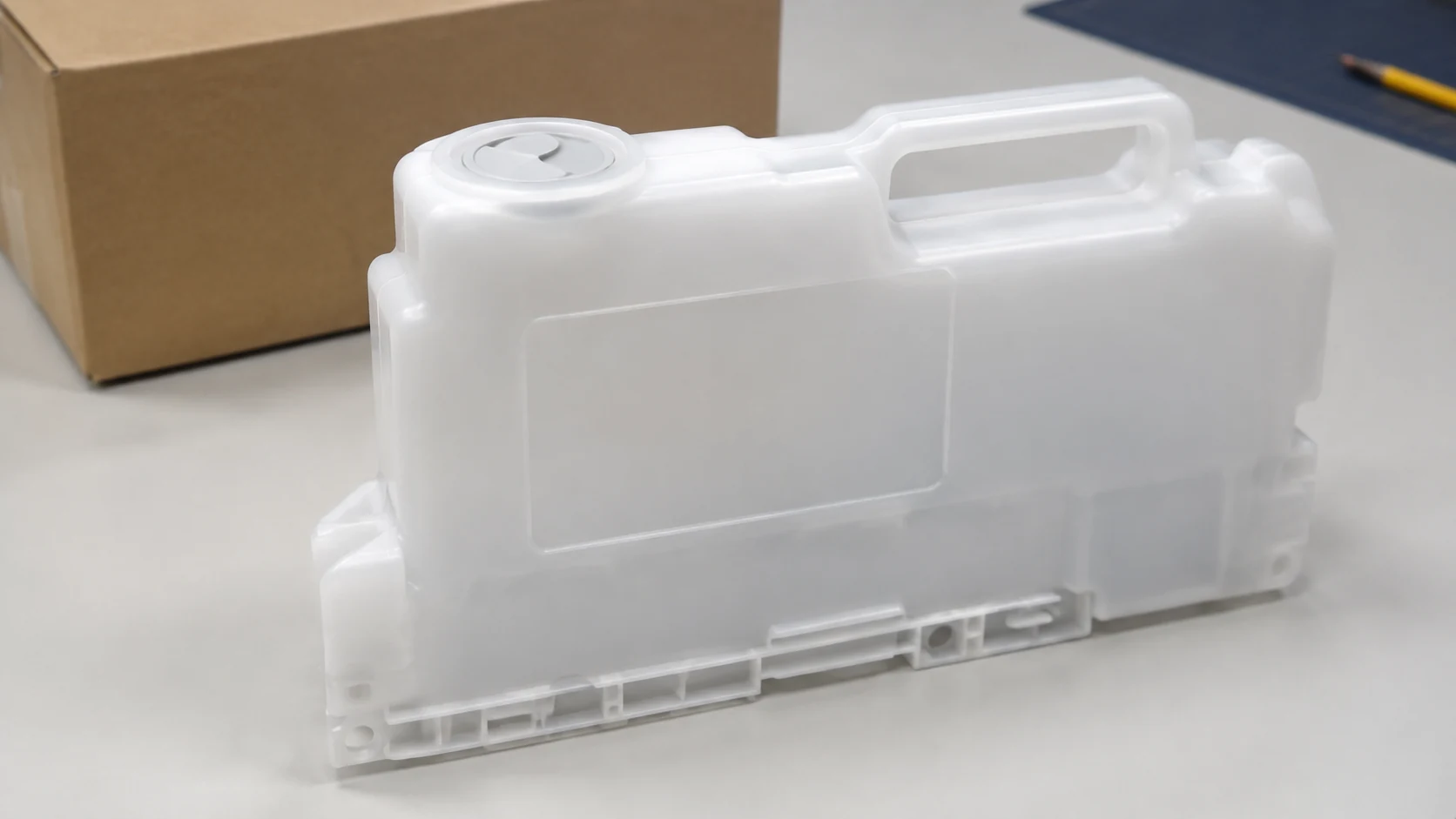
Keep the asset identifier, model, meter reading, exact message, old and new references, lot information, photos and final test result together. A recurring warning should be compared with those records before blaming a batch or replacing unrelated assemblies.
- Ask the supplier to confirm the exact compatible reference and the equipment used for fit validation.
- Agree on checks for locating features, cap or shutter operation, seals, cleanliness and any applicable detection interface.
- Specify bag and carton contents, transport protection, quantity, replenishment timing and packaging requirements on the quotation.
Review supplier qualification in the OEM and compatible toner buying guide.
Related Insights
Frequently asked questions
Can I keep printing after the early warning?
Only as permitted by the exact model’s display and manual; prepare the correct replacement without promising emergency page counts.
Can I empty and reuse the container?
The cited Canon procedures call for replacement and containment of the used part, not emptying as a substitute.
Does replacement need a manual reset?
Complete only the acknowledgement or checks described for the model; there is no universal reset instruction in this guide.
Are WT-201 and WT-202 interchangeable?
Do not assume so; match each reference to the complete machine and market using its official parts information.
Why does a new container still show full?
Check identity and installation first, then seek service support for the detection or collection system if the documented checks do not resolve it.
Request a Canon-compatible configuration review
Send HBtoner the complete Canon model and suffix, destination country, OEM reference and required quantity. Include the warning wording, packaging requirements and replenishment timing, and arrange to share label and interface photos during follow-up. Availability, sample terms, minimum quantity and lead time must be confirmed for the specific inquiry before ordering.
Start an inquiry with HBtoner.
Brand and product names identify compatibility only; HBtoner is independent of Canon and is not affiliated with or endorsed by Canon.